
LG WU525BS PuriCare ATOM-U Under-Sink Water Purifier


Atom-U WU525BS
LG PuriCare™ Inverter Under-Sink System Water Purifier
WU525BS
Key Features
- WQA-certified All Puri Filter system for high-quality water
- Sleek built-in design
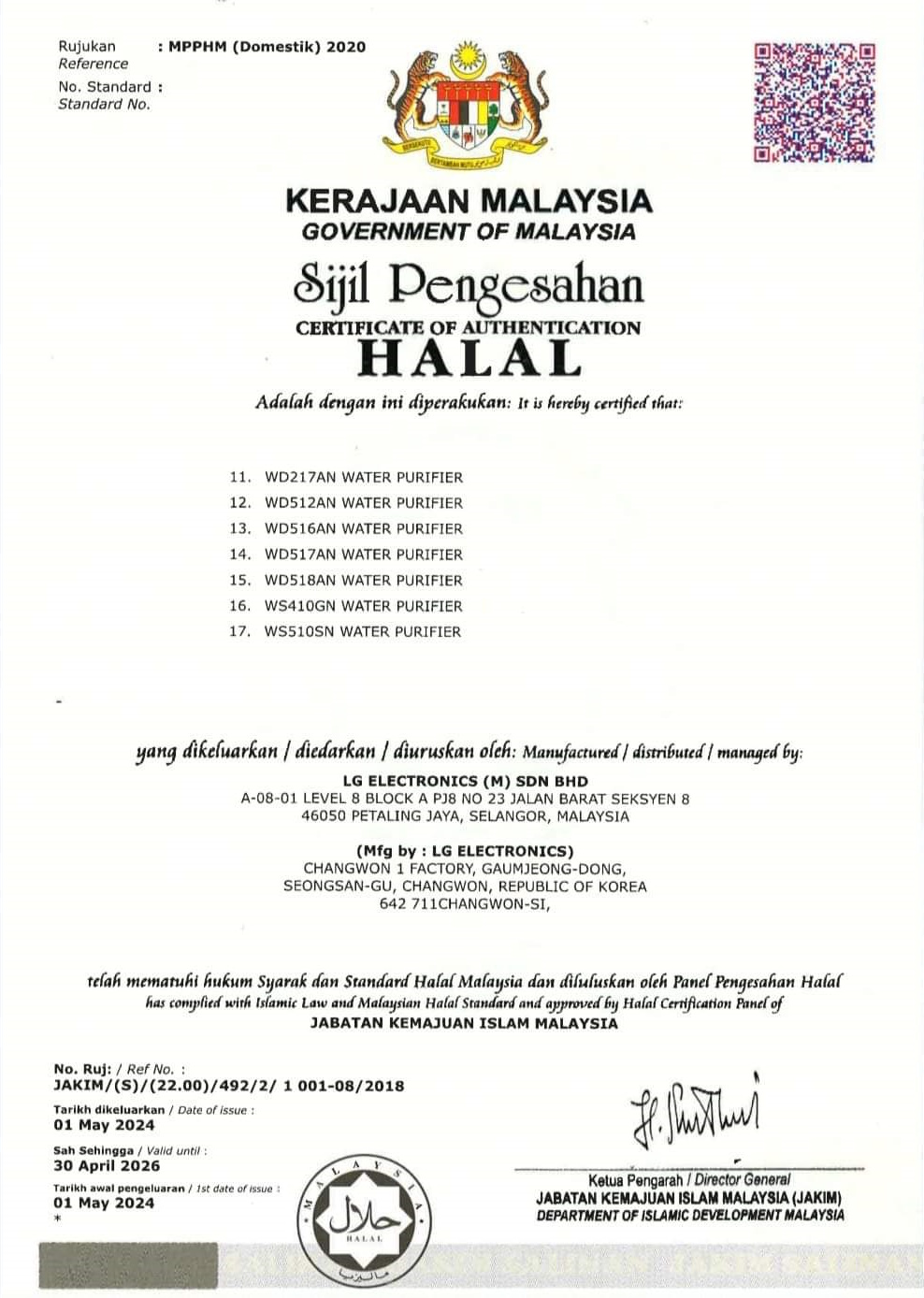
- Jakim Halal Certification
- Auto-sanitization of water pipes and outlets
- Hygiene
- Ambient, Hot & Cold Water
Color Variants
- Silver & Black


OUTRIGHT
1 Year Warranty & CareShip
No Contract
RM 5200
Self-Service
SUBSCRIBE > 5 YEARS
5 Years Warranty & CareShip
Normal RM160
RM 80
Regular-Visit
Normal RM150
RM 75
Combine
Normal RM140
RM 70
Self-Service
SUBSCRIBE > 7 YEARS
7 Years Warranty & CareShip
Normal RM130
RM 65
Regular-Visit
Normal RM120
RM 60
Combine
Normal RM110
RM 55
Self-Service
- Self-Service : LG send Care Package replacement parts to customer’s premise every 6 months for customer to perform their own service.
- Regular-Visit : LG certified technician will set an appointment and come to customer’s premise to perform services every 6 months.
- Combine : Combination of Regular-Visit and Self-Service. Get Care Package every first 6th months & Technician visit the next 6th months.
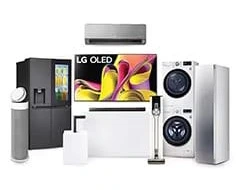
Only Possible with LG
Freedom to choose from LG’s full range of home solutions.
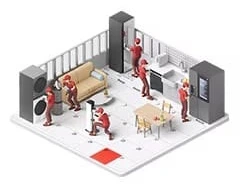
Always Like New
LG Careship experts keep the appliances in top condition.

Worry-Free Warranty
Free repair services throughout subscription period.

Affordable Plans
Subscribe LG appliances at a price that fits your budget.
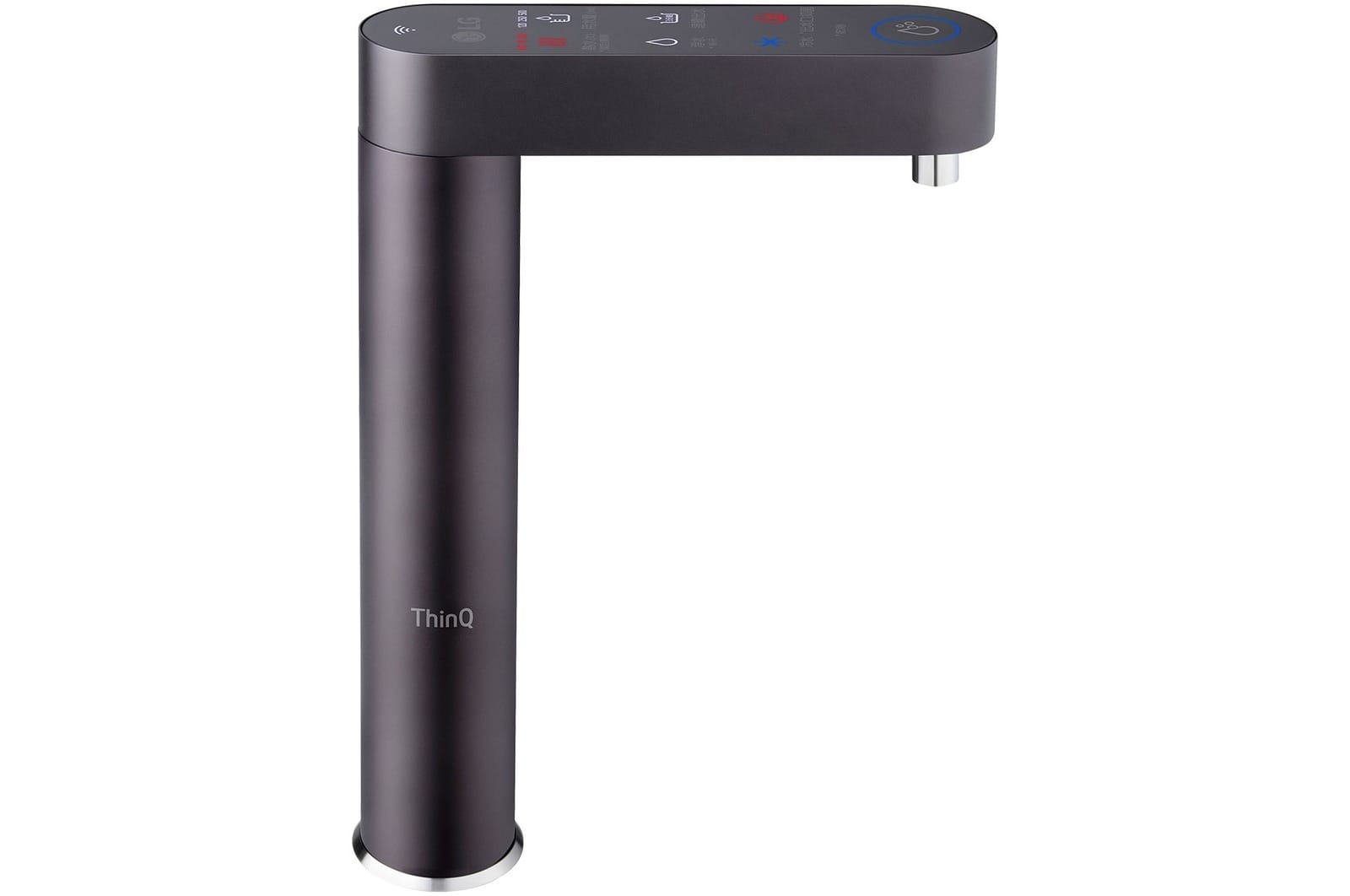
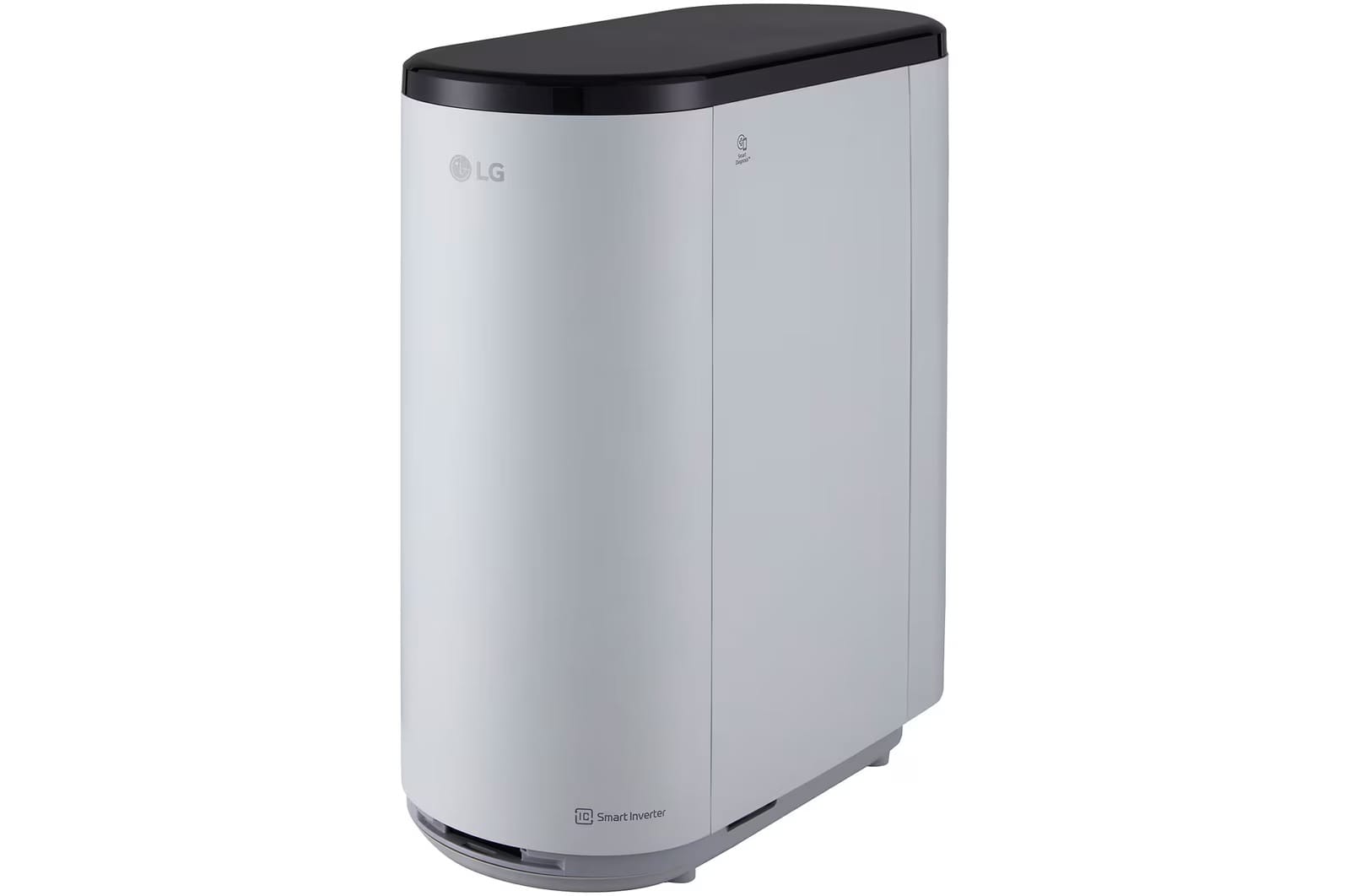
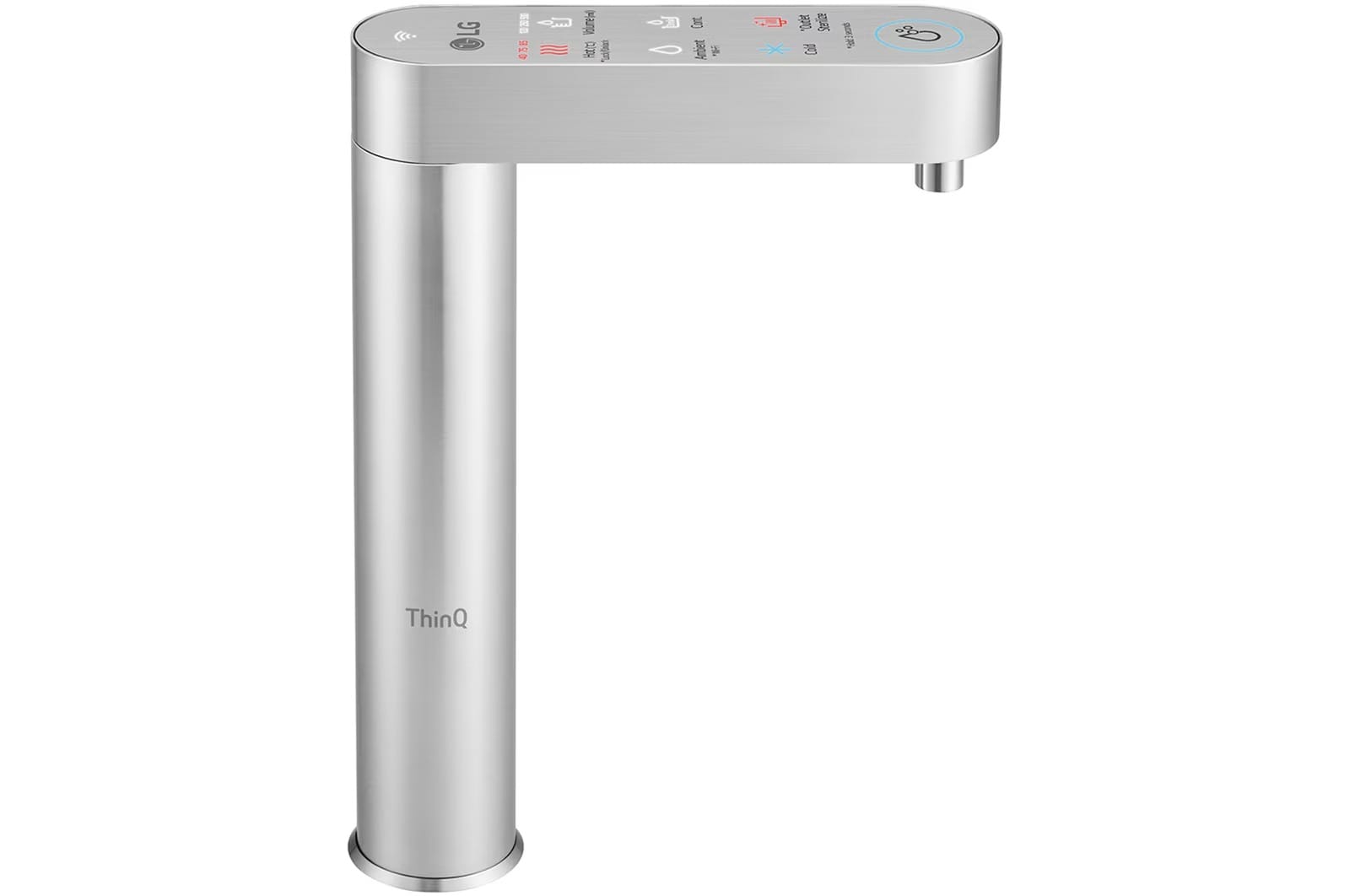
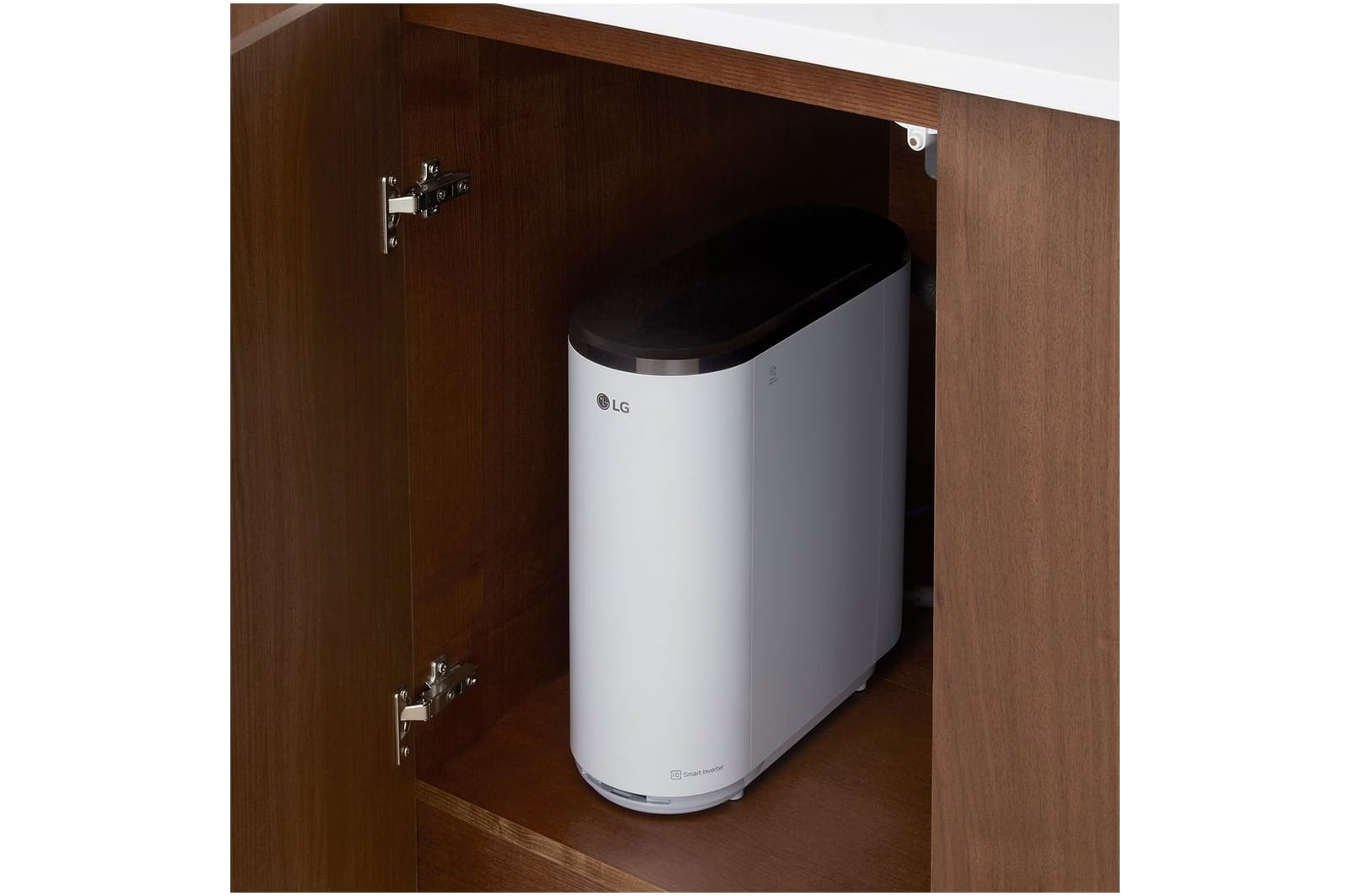
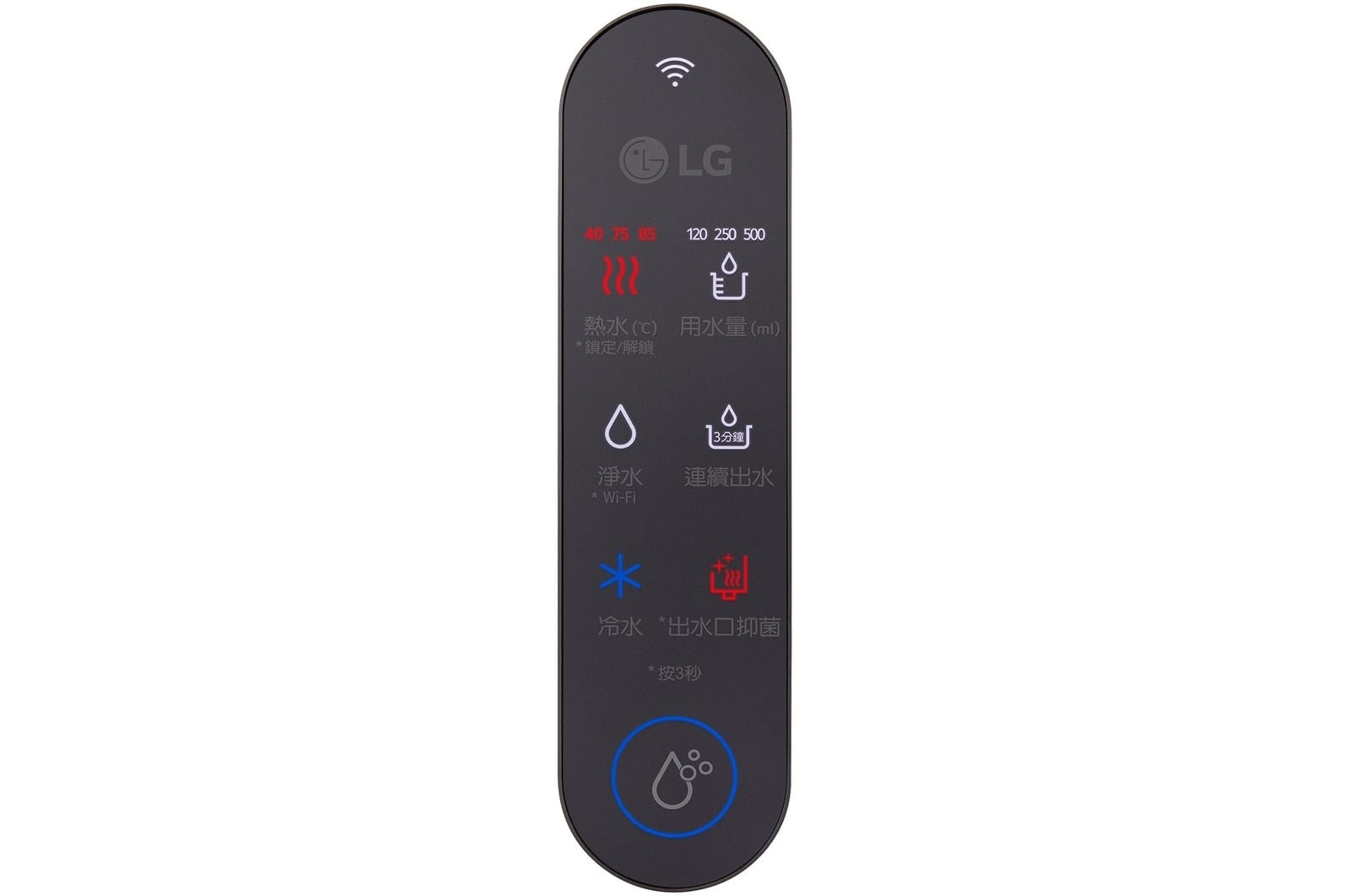
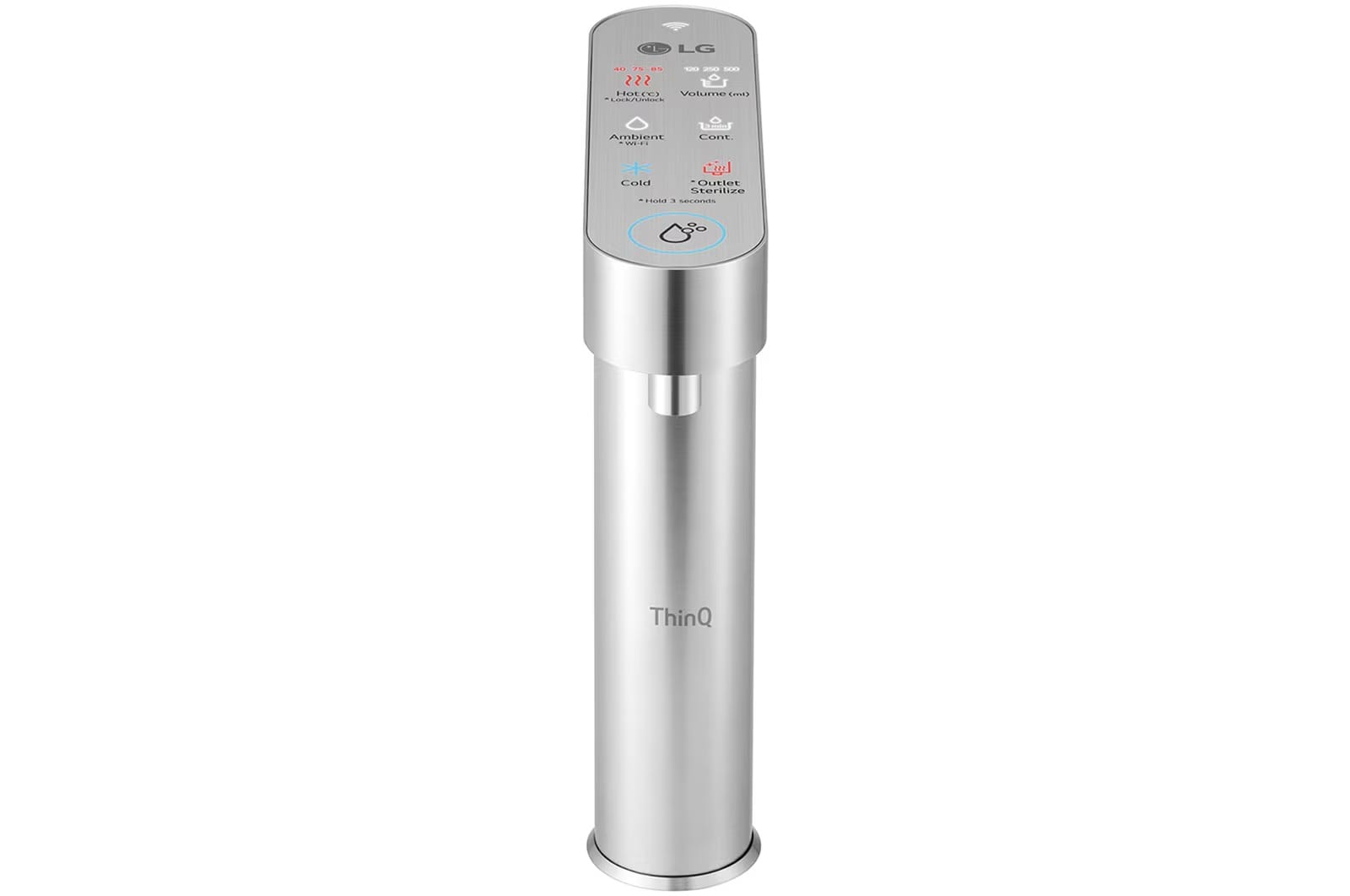
A water purifier designed to seamlessly blend into your kitchen. Its built-in design fits perfectly under the sink, leaving only a slim, elegant water outlet visible—maximizing space and keeping your kitchen neat and spacious.


Clean water, every time

Easy access to purified cold & hot water

Integrates easily into your kitchen

Enjoy intuitive control, whenever you are
High-temperature automatic sanitization without the high costs of a service call. You can clean the internal stainless-steel pipes and outlet, removing 99.99% of germs with just the touch of a button.

The product automatically sanitizes the inside of the faucet for 10 minutes every hour to enhance its hygiene.
Reduce heavy metals and norovirus, with an in-built, multi-stage filtration system which delivers high-quality water.


Up to 99.8% microplastic filtering, certified by the Water Quality Association (WQA).4)
Turn the spout to whichever direction suits you. With a 180° rotating spout, you can use your kitchen space efficiently.
Dispense the exact amount you need at the touch of a button for easy convenience.
You can easily access cold water and preset hot water temperatures of 40℃, 75℃, and 85℃ with just a touch of a button.5)
The smart clean lamp will let you know when it’s time to change your filter.
A built-in purifier that fits neatly in your kitchen. The main body is placed under the sink, leaving only the slim spout and allowing for a tidy, spacious kitchen.
Use the LG ThinQ™ app on your smartphone to easily check the status of your water purifier from anywhere in real time.


*To use this function, you need to install the LG ThinQ app from the the Android OS(more than 7.0) Play Store or iOS(more than 12.0) AppStore, need to register and connect the product.
*Also, when first connecting to water purifier, it must be in the same Wi-Fi environment, and after that, the water purifier must always operate within the registered Wi-Fi environment.
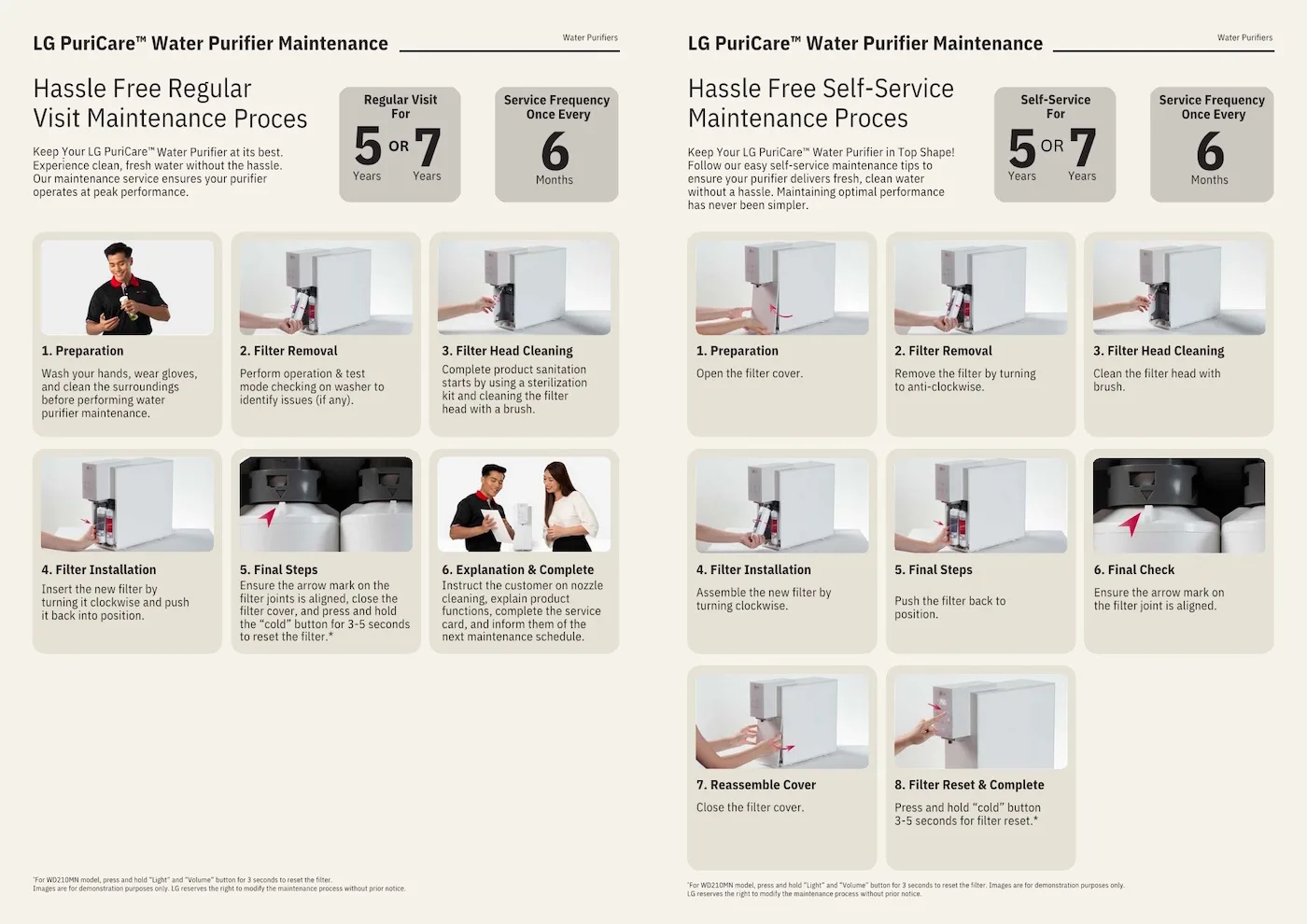
Save money by servicing your machine yourself in between maintenance visits from LG experts.


For spout sanitization, press and hold the “Spout Sanitization” button for 3 seconds and place a container of 500ml or more under the spout.
Replace your filters easily with scheduled deliveries based on the replacement cycle.


GENERAL
Product Dimension (WxHxD, mm)
170 x 420 x 410
Faucet (ØXHXD, mm)
48 x 264 x 188
Installation Type
Under-Sink Type
Flexible Installaion
No
Water Supply
Instant
Color
Black, Silver
PERFORMANCE & FUNCTIONS
Filter Change Indicator
Yes
Filters
Pre Carbon Block+ (9 Heavy Metal Reduction), Ultra Filtration (Virus Reduction)
Digital Sterilizing care
Yes
Child Safety Lock
Yes
Volume Control (mL)
120mL, 250mL, 500mL
Heating Method
Induction Heater
Hot Water Temperature Control (℃)
85, 75, 40
Filter Type
UF
Internal Sterilize (Auto)
Yes
Inverter Compressor (10 Years Warranty)
Yes
Outlet Sterilize (Manual)
Yes
Up-Down Moving Tap
No
SMART TECHNOLOGY
ThinQ(Wi-Fi)
Yes
Product Manual

1. Press and hold the Outlet Sterilize button at the top of the purifier for 3 seconds.
2. Place a container with a capacity of 300ml or greater below the water outlet.
3. When the container larger than 300ml has been prepared and placed, press the Dispense Water button. The sterilization process will take about 10 minutes. Hot water will be dispensed about 7 minutes later. Please ensure that this is inaccessible by children.
4. Once the sterilization of the water outlet is complete, please discard the hot water dispensed into the container.
The water pipes for hot, ambient and cold water will be automatically sterilized with heat once per week. Once every 4 weeks, the cold water tank pipes will be included in the sterilization process, which will take about 30 minutes.
The water pipe will be automatically sterilized once per week, and on-demand sterilization can be performed manually.
To sterilize the water pipe, press and hold the Internal Sterilize button at the top of the purifier for 3 seconds. The scope of high temperature sterilization is limited to from filter to the pipe that runs from the filter to the water outlet.
Changing through ThinQ app
1. In the LG ThinQ App, press the water purifier icon.
2. Select the ‘>’ icon in the High Temperature Sterilization window, or select ‘Schedule high temperature water pipe sterilization’ under Settings.
3. In Schedule Sterilization, press the ‘>’ button.
4. Set the desired schedule time and press the Save button.
How to change using product interface
1. Press and hold the Internal Sterilize + Outlet Sterilize buttons for 3 seconds.
2. To change the date, press the ‘Outlet Sterilize button. The date will change every time the button is pressed.
3. To change the time, press the ‘Internal Sterilize’ button. The time will change every time the button is pressed.
4. Set the desired schedule time and press and hold the ‘Dispense Water’ button for 3 seconds.
If the valve where the source water is supplied or the dispense valve of the faucet is closed, the water pipe sterilization and water outlet sterilization features will not work. Please open the source water valve or the dispense valve.
1. Pull out the draining tray to remove it from the product.
2. Push the moving tap to the end of left or right and open the filter cover.
3. Grab the filter and lift it 90 degrees, and then turn it counterclockwise to separate it.
4. Insert the filter and turn it clockwise.
5. Place the filter cover on again. The filter cleaning process takes about 7 minutes.
6 When the filter cleaning is complete, press and hold the Cold Water button for more than 3 seconds to reset the filter usage count.
If you close the source water valve during filter replacement, the filter cleaning will not work as the source water will not be supplied.
Do not close the source water valve, and leave it open while changing the filter. Close the filter cover to proceed with the filter cleaning process.
1. In the LG ThinQ App, press the water purifier icon.
2. Press the ‘ⓘ’ icon at the top-right corner of the screen, and press the Settings window.
3. In the Settings, select the product sound setting ‘>’ icon.
4. When ‘Use’ is selected, the ‘Button Sound’ and ‘Water Dispense Voice’ can be set.
5. Select the ‘>’ icon of Control Volume to adjust the volume.
Even when muted, the voice instructions will continue to be provided during water outlet sterilization, water pipe sterilization, and filter change for safety reasons.
If the draining tray is rotated sideways during separation, the draining tray will not be locked.
Please separate the tray while facing the front of the purifier.
If the draining tray is separated while the it is rotated, check the joining section (locking hole) by sight and connect the draining tray in after rotating it sideways.
If you have separated the draining tray while the tray is rotated, the filter cover handle hole may also be rotated, preventing easy opening of the filter cover.
Please check the joining section (locking hole) of the draining tray before connecting the draining tray from the front. Separate it again and open the filter cover.