
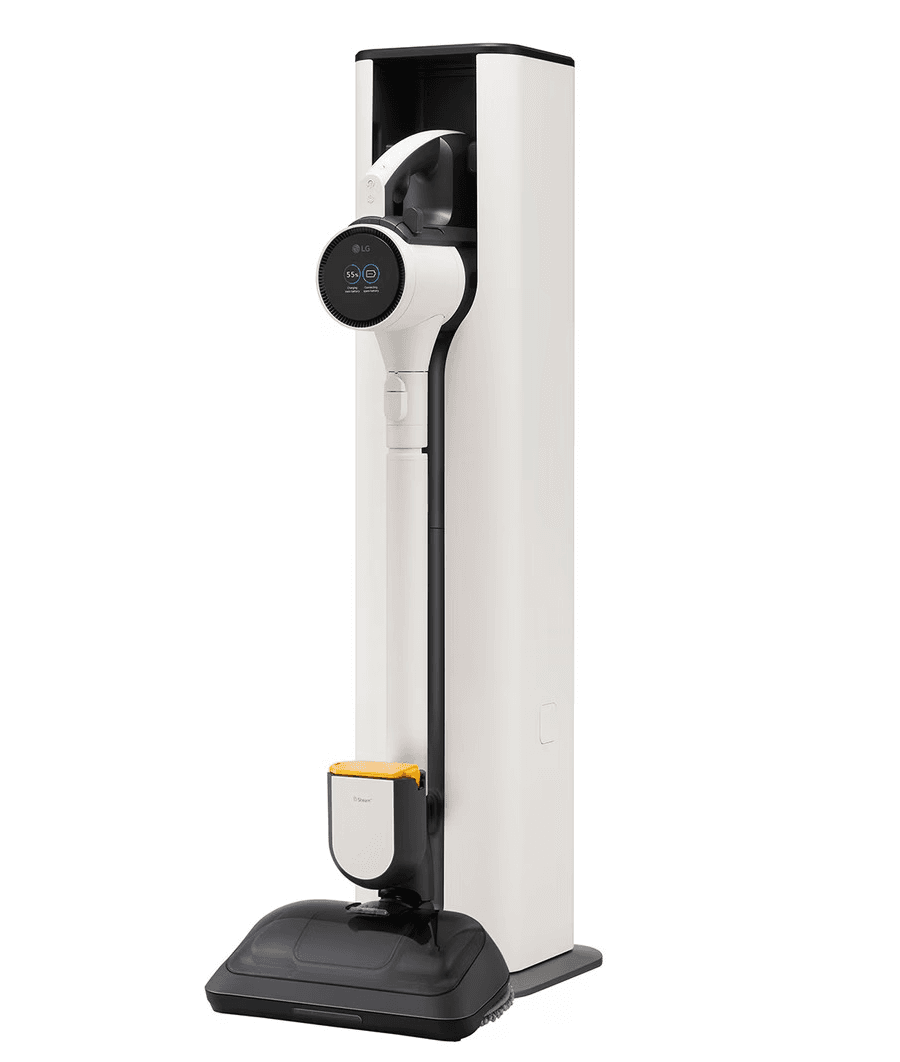
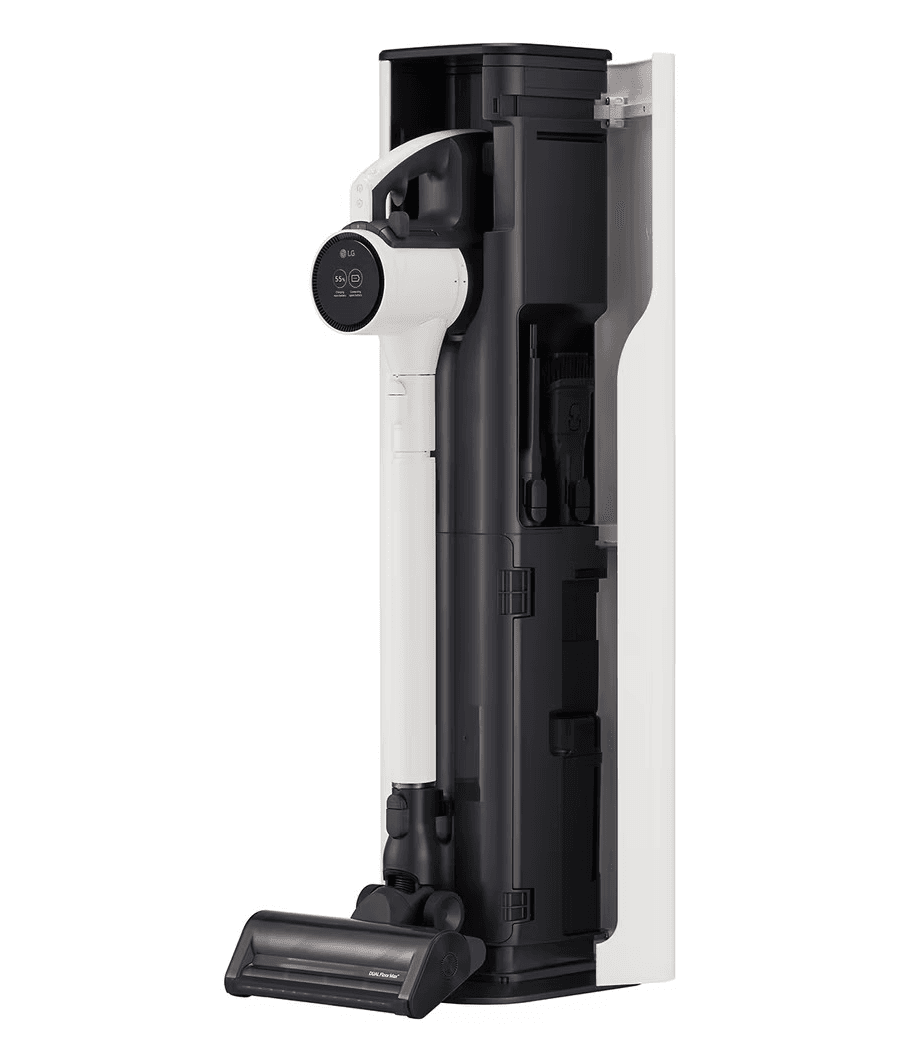
CORDZERO™ A9X
All-In-One Tower™ with Steam Power Mop
Key Features —
- Auto Empty / UVC LED
- Steam Power Mop
- Wide Slim Nozzle
- LG ThinQ™
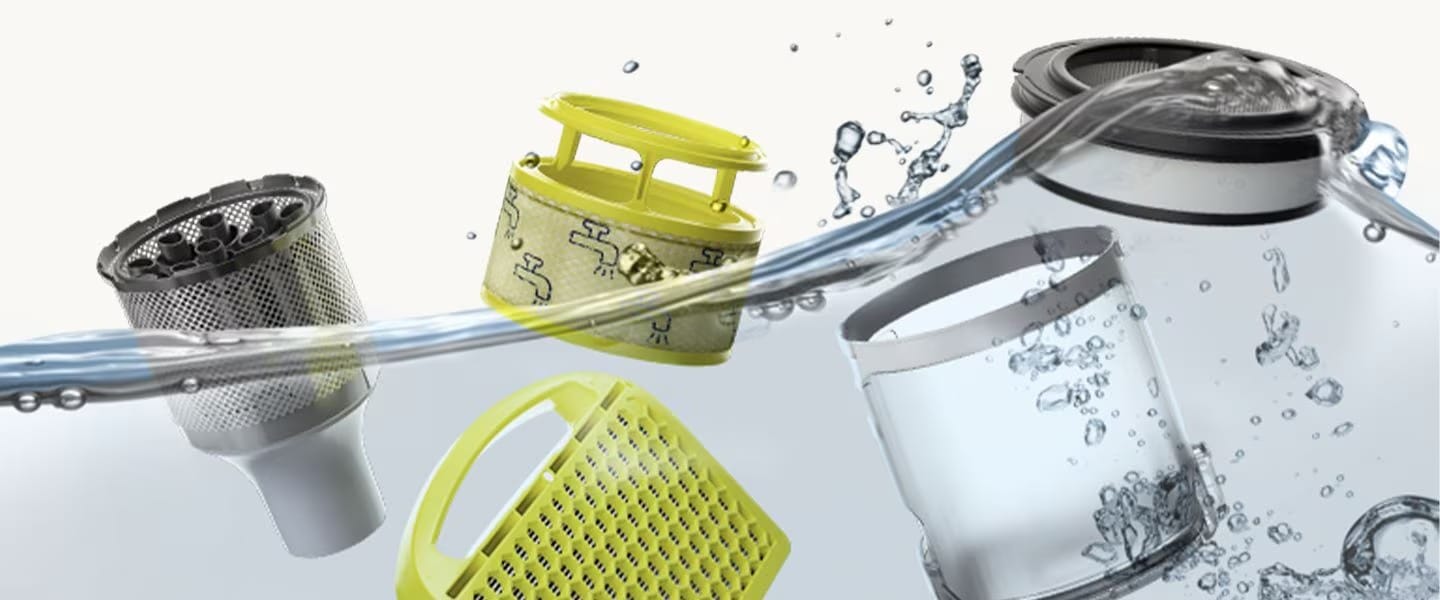
- All Washable Filters
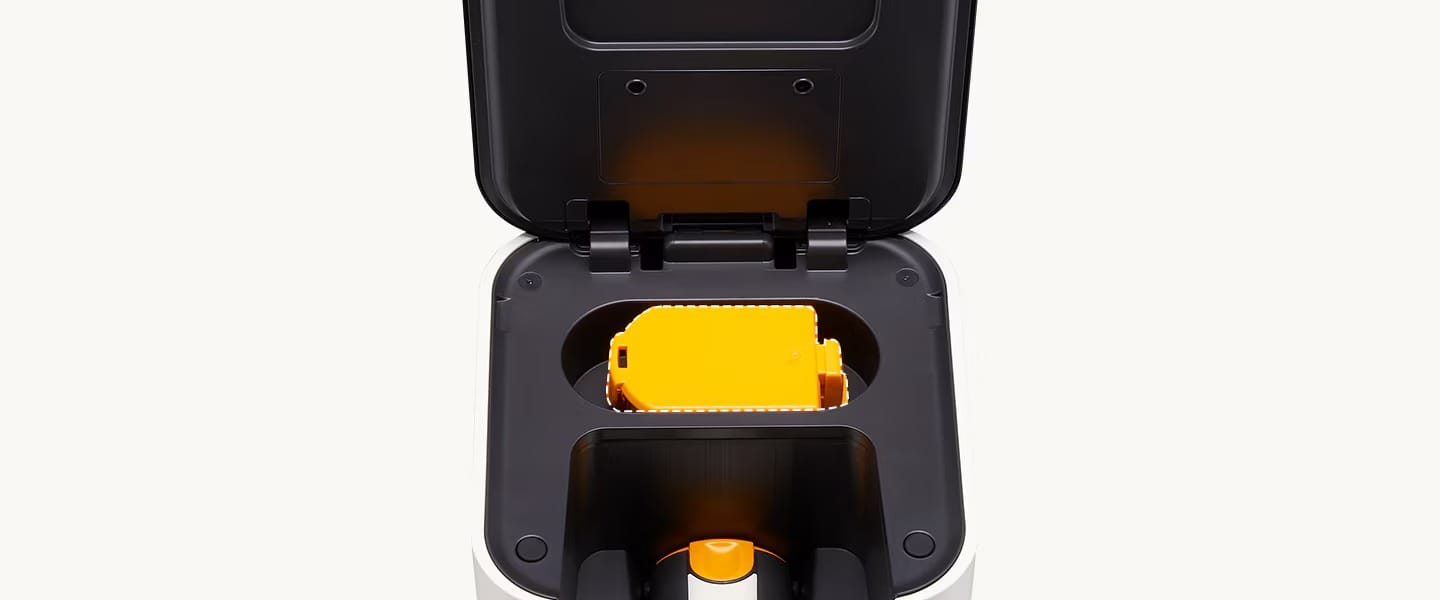
- Accessary Storage & Battery Charge

Enjoy 77% OFF your subscription for the first 7 months, designed to give you maximum flexibility & affordability from the start.
— SUBSCRIBE > 5 YEARS —
5 Years Warranty & CareShip
Normal RM130
RM 30
monthly
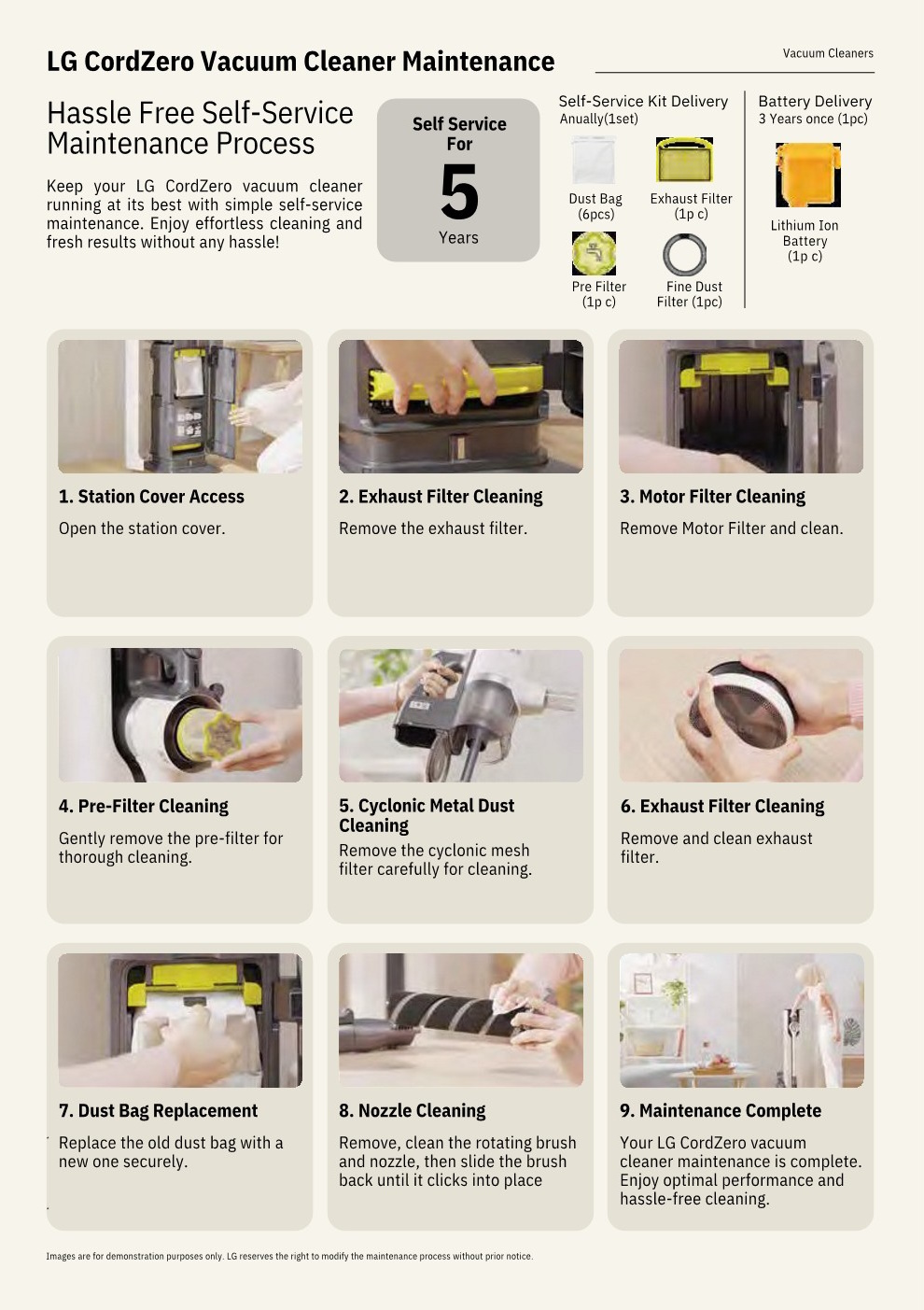
Self-Service
• Self-Service : LG send Care Package replacement to customer’s premise every 12 months for customer to perform their own service.
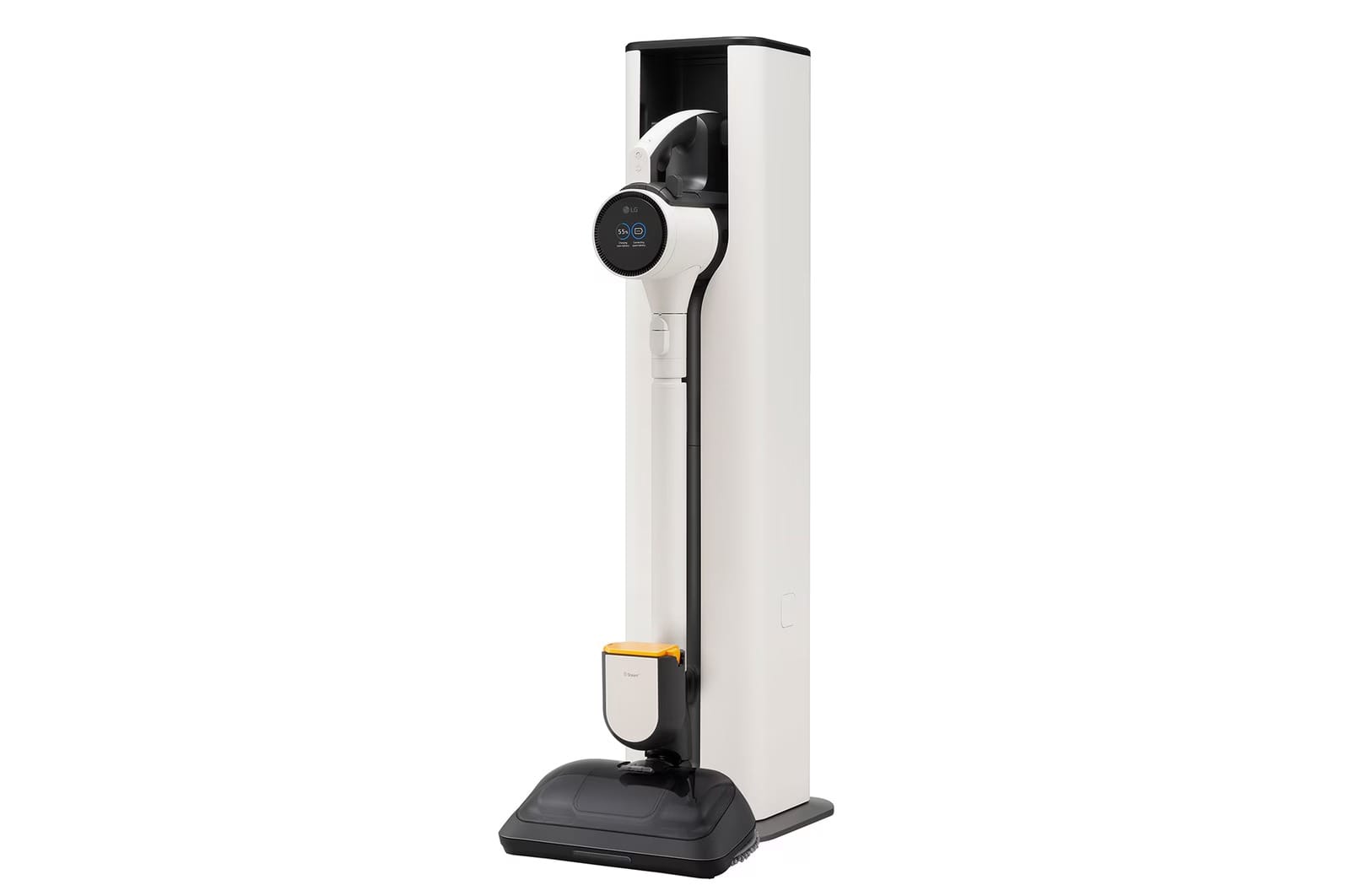
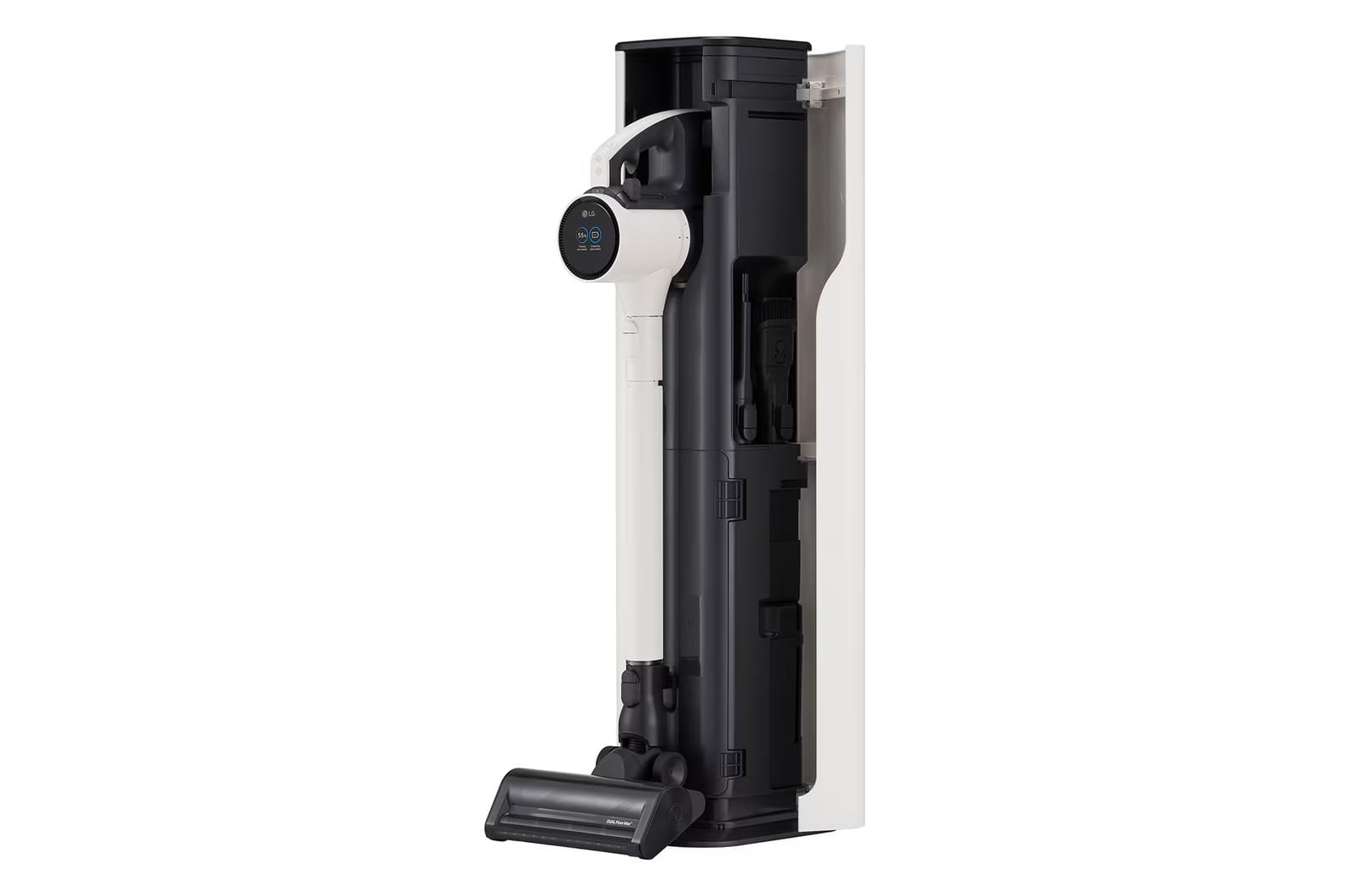
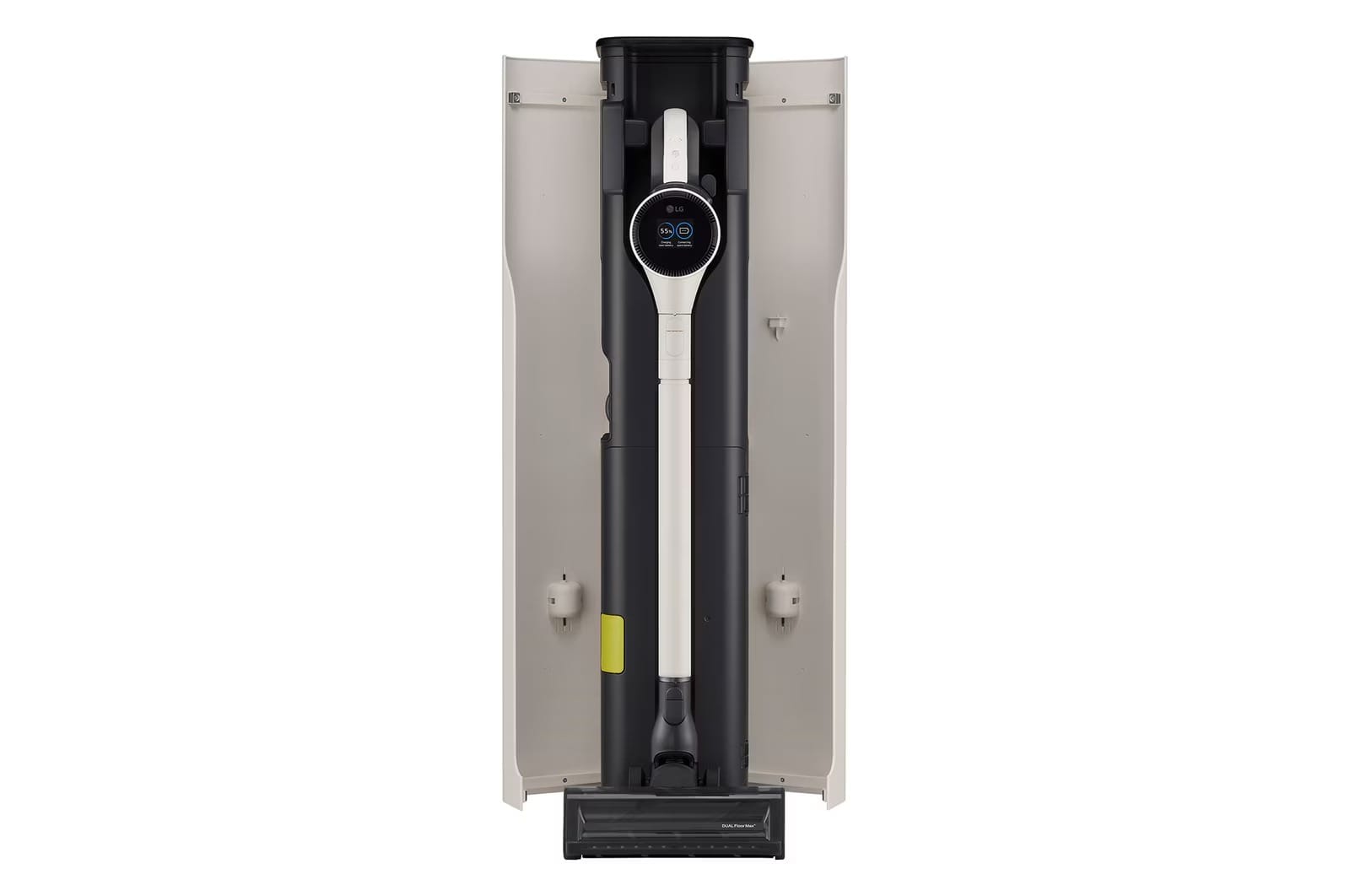
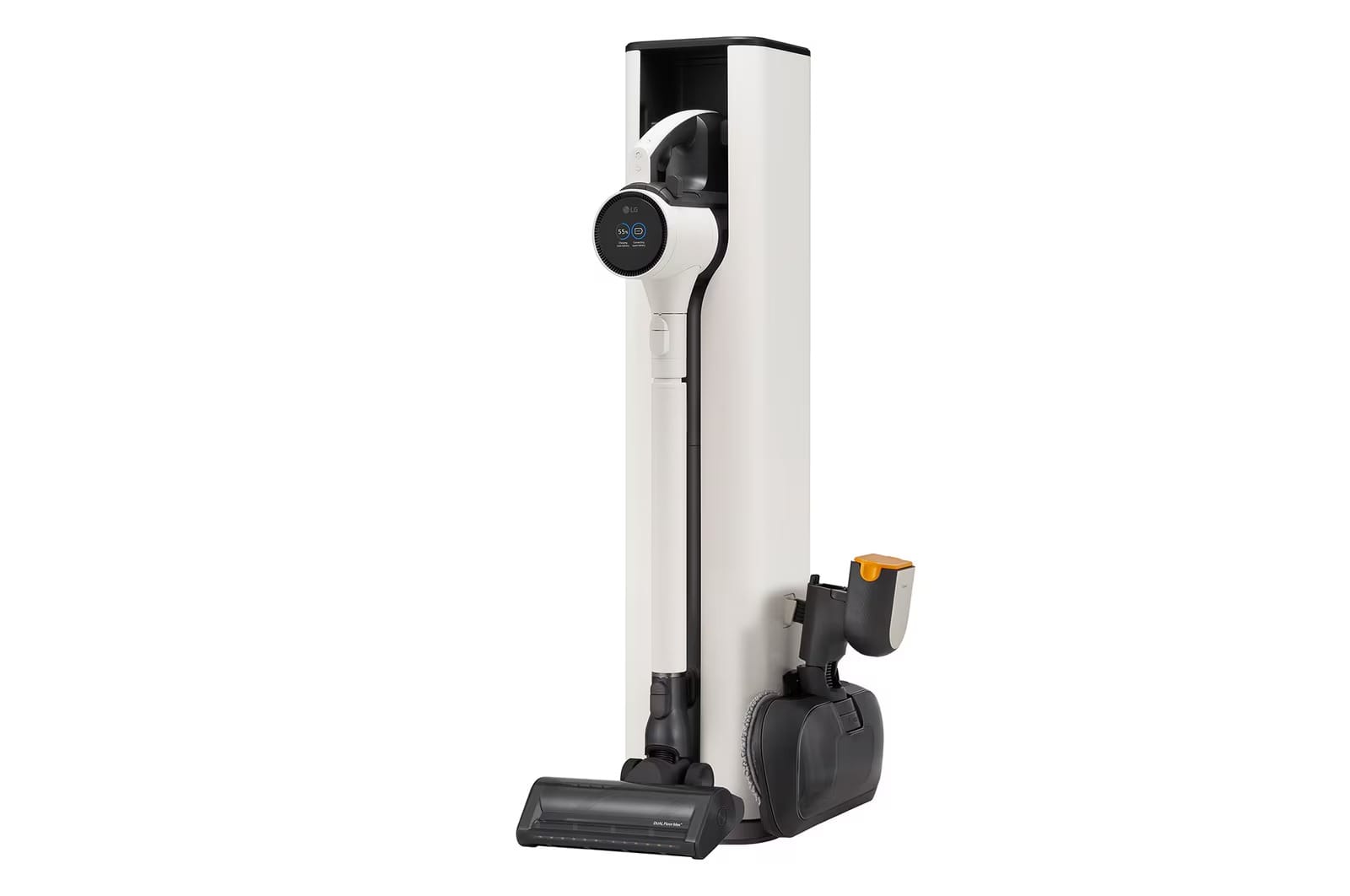
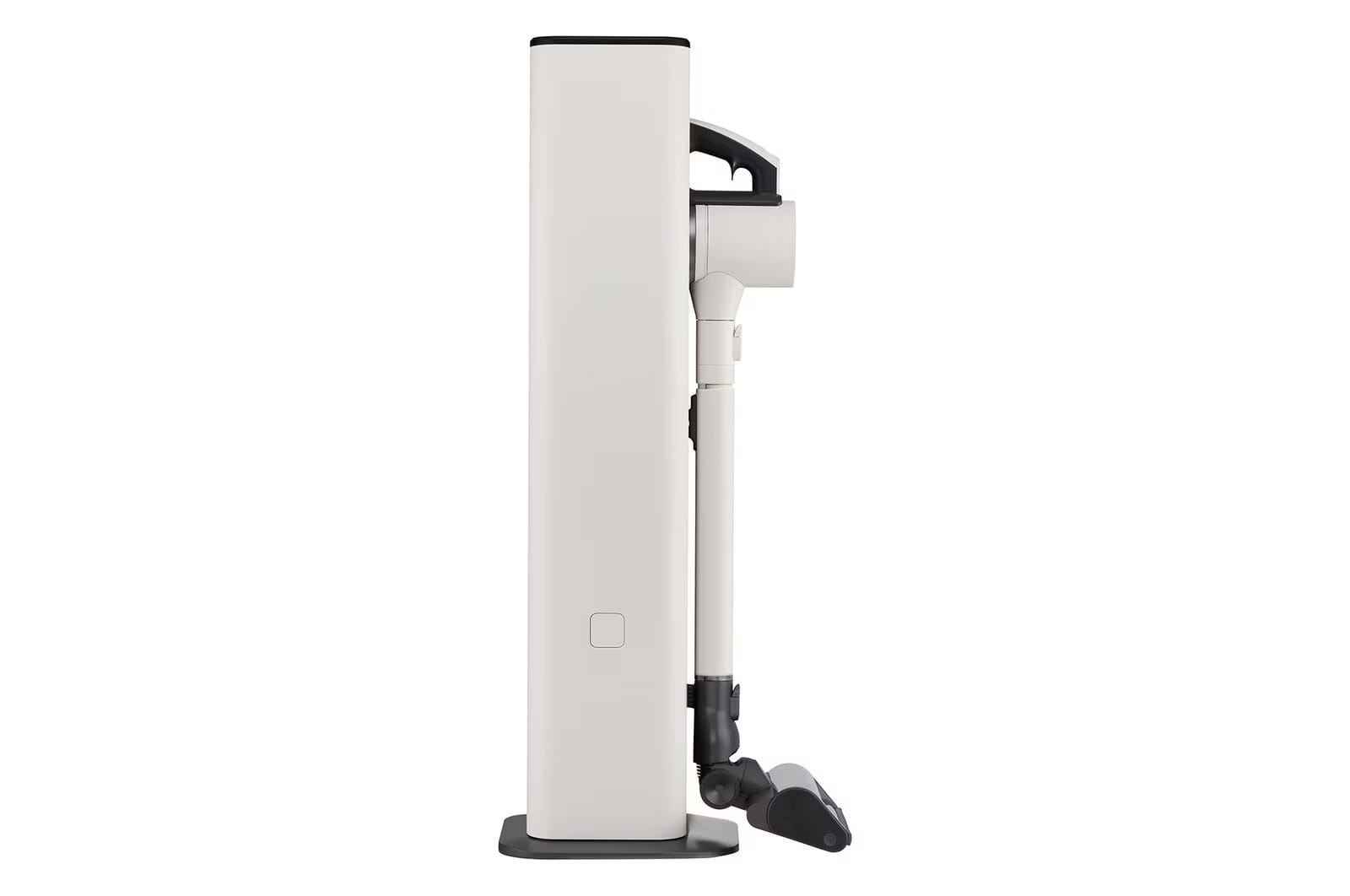
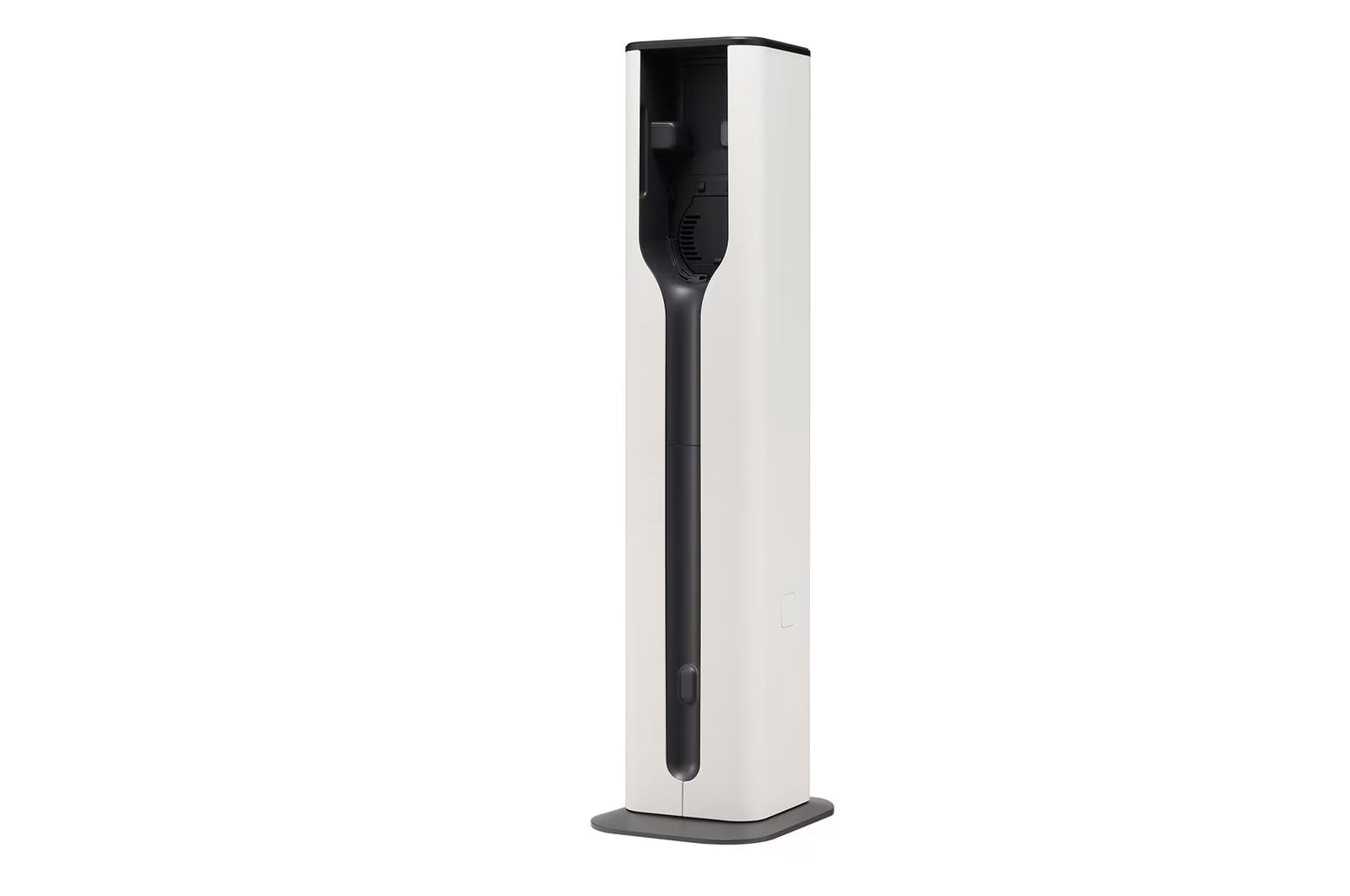
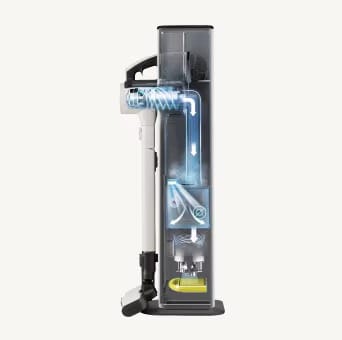
The bin empties automatically when docked, saving time and prevent dust scatter.
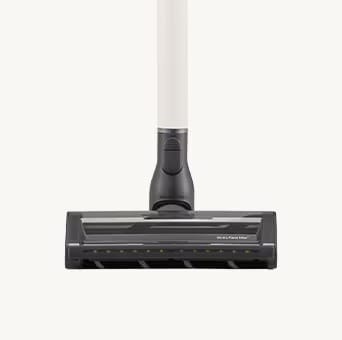
One nozzle for multiple surfaces, which incorporates both a soft roller and a carpet agitator in one to powerfully clean carpets and hard floors with ease.
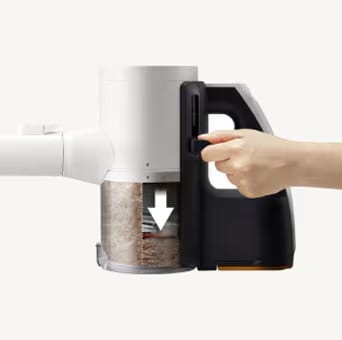
Up to 2.4× more bin capacity
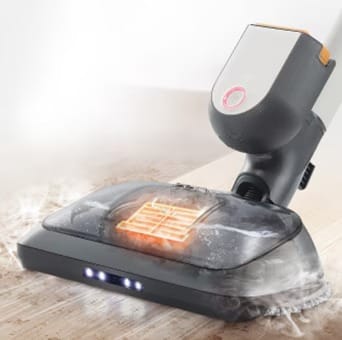
Vacuum and steam mop your floor at the same.
Dock your vacuum cleaner into the tower to automatically empty their dust containers, saving you time and preventing particles from re-entering the air.
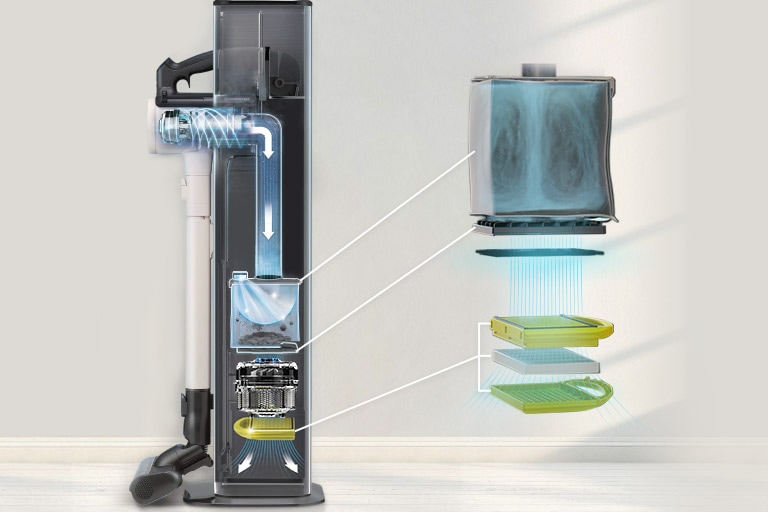
The filtration system captures fine dust and locks it away, keeping the system running clean.
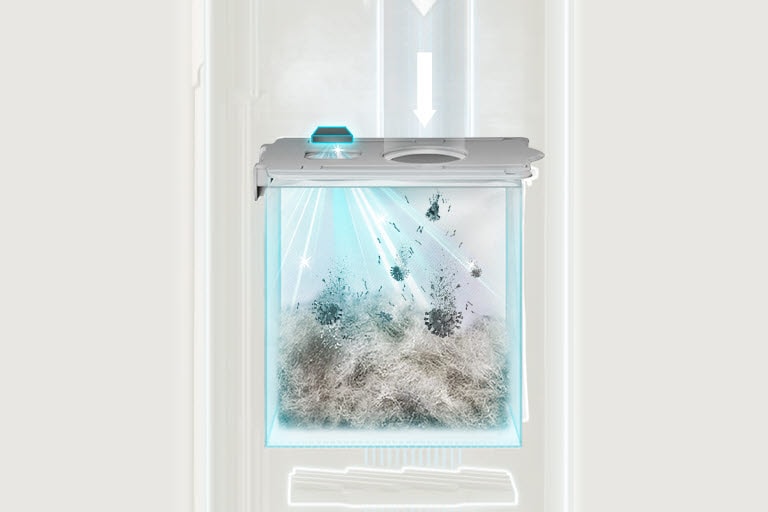
UVC LED activates on the top layer of dust inside the bag to inhibits bacterial growth-leaving your home cleaner.
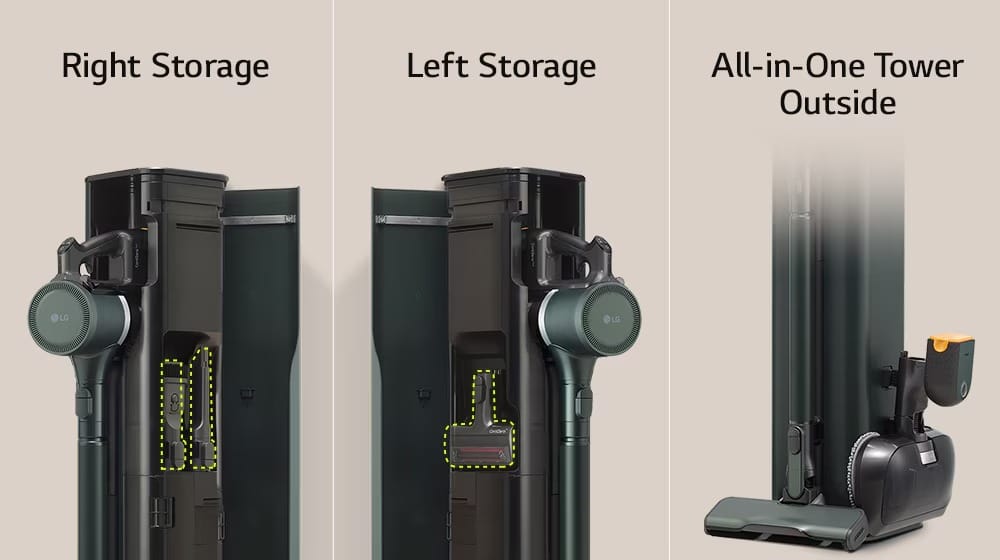
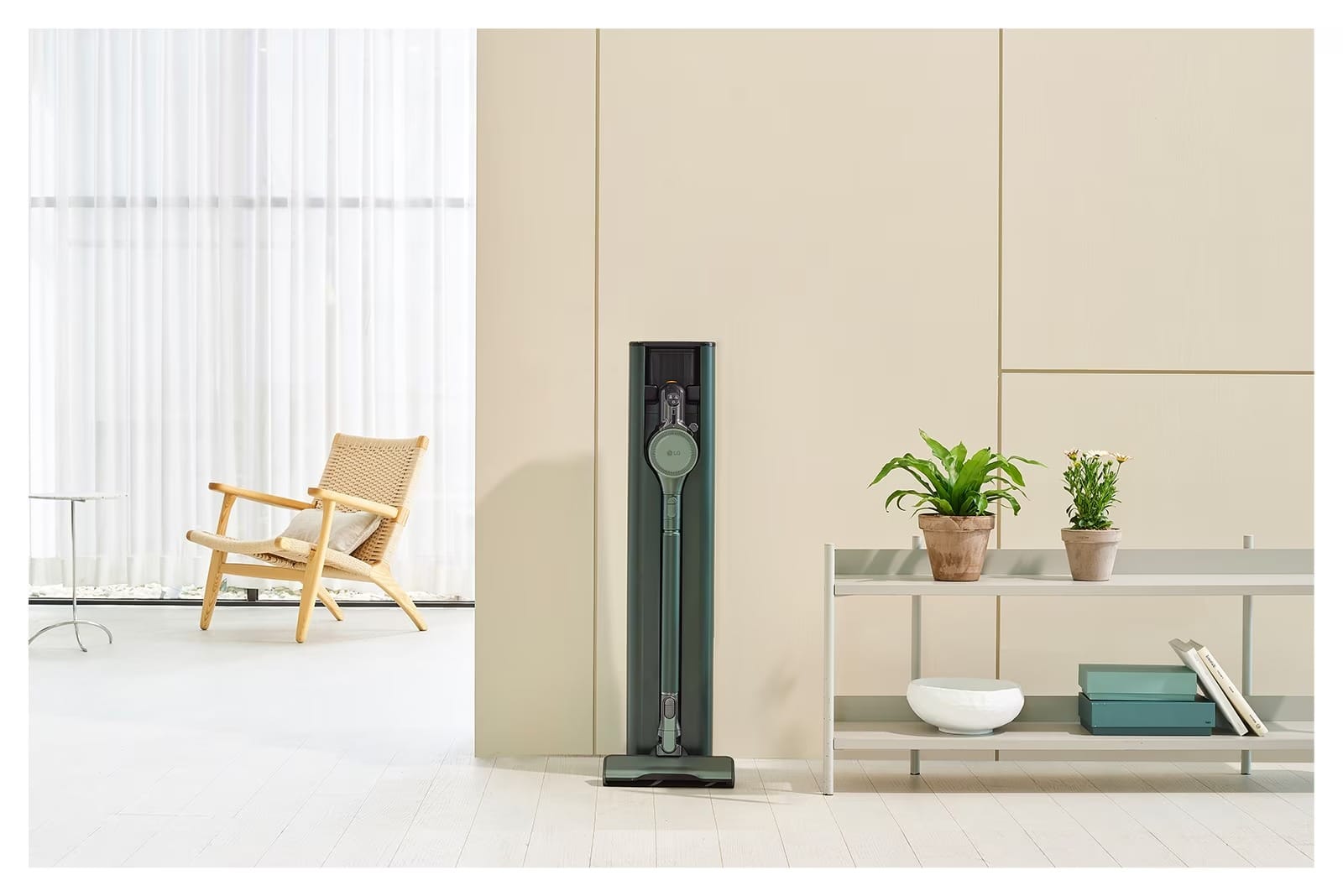
Enjoy more space in your home with a style to match it
Dock the vacuum cleaner into one device to reduce clutter in your home. The tower accessory is also a convenient space to store extra vacuum nozzles and accessories.
Vacuum and steam mop your floor at the same time with LG Objet Collection A9X.
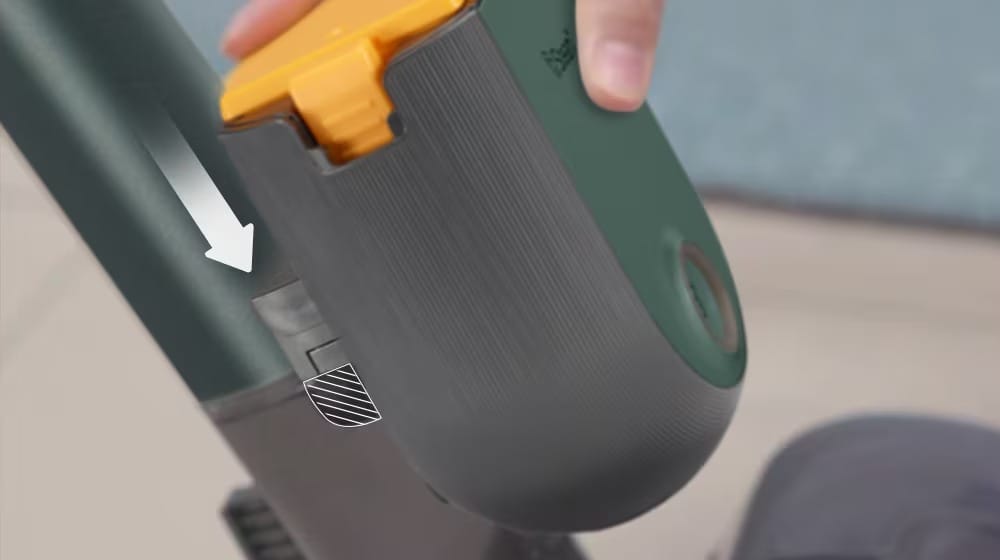
Simply use the Steam Battery Pack to switch from normal wet mop mode to steam mop mode.
Vacuum and mop functions work in combination, helping you save time.
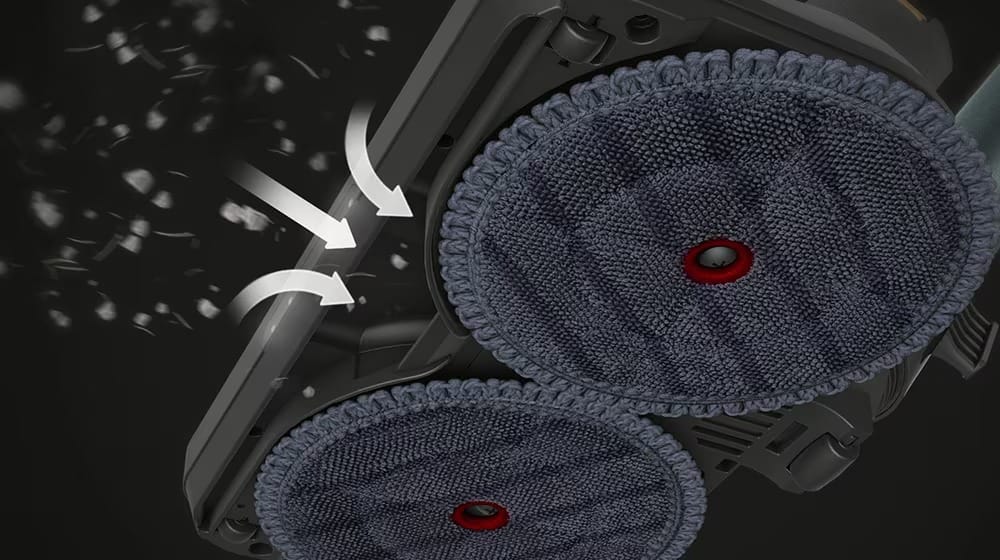
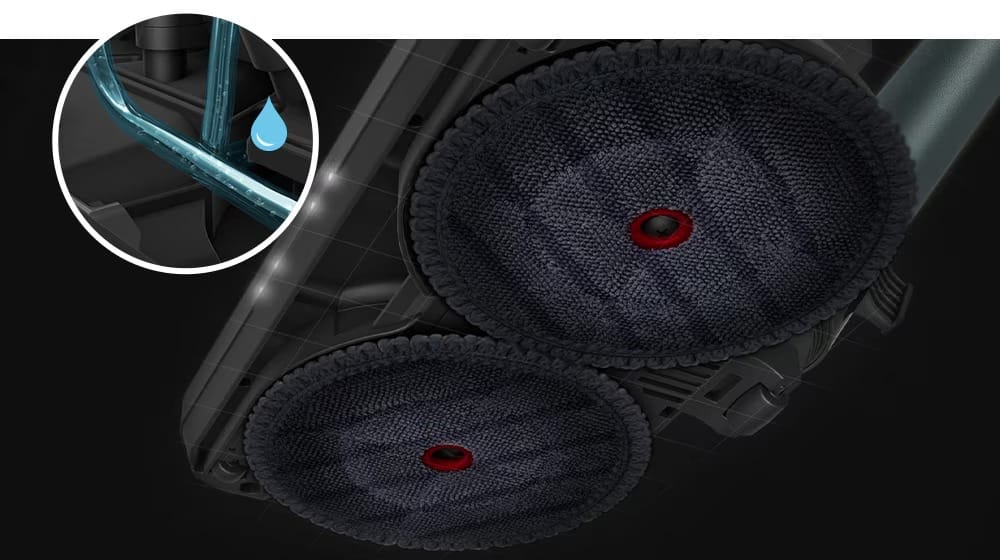
In mop mode, the automatic water supply system from an electronic pump can reduce the inconvenience of having to re-wet and wring the mop by stopping the cleaning if the mop dries during cleaning.
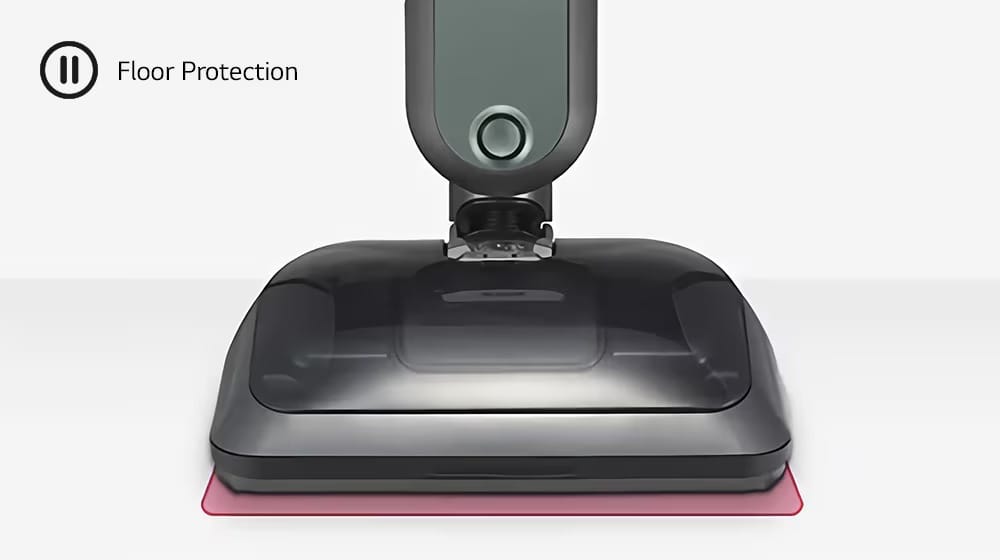
Smart Safety Sensing stops steaming in three different situations.
1) If the steam generator’s temperature rises too high, it will stop working.
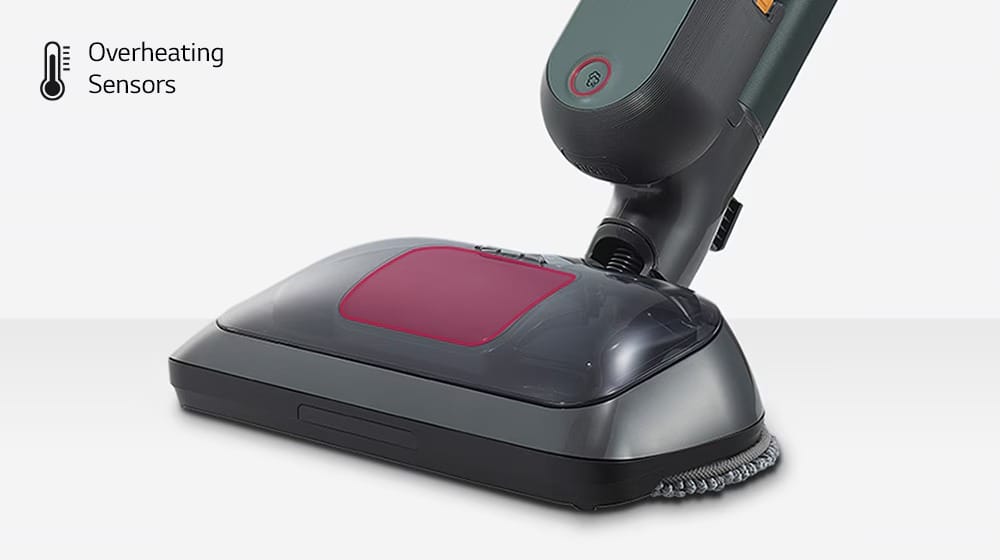
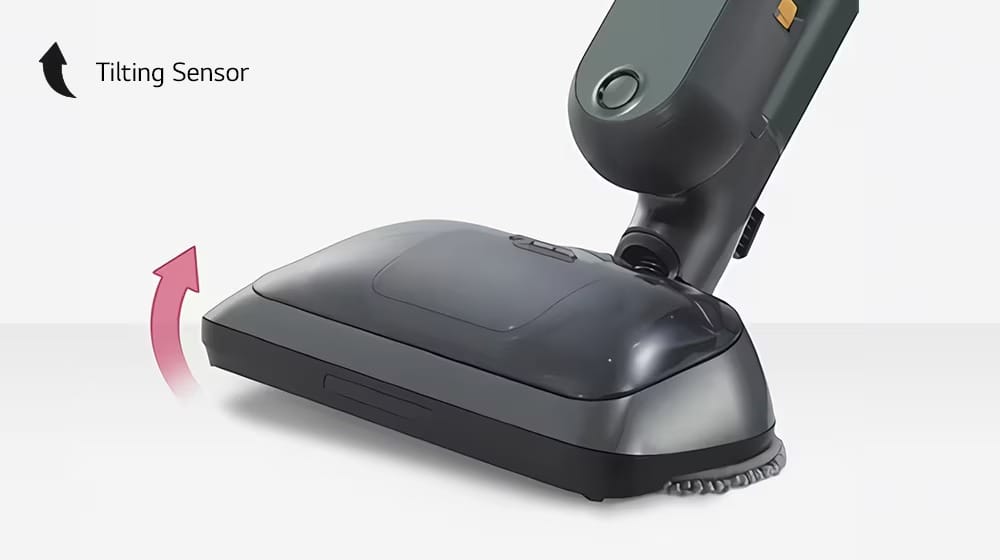
2) Lifting or tilting of the nozzle cuts off the steam generator will stop working.
3) Since there is an acceleration sensor, the steam generator stops if there is no nozzle movement for about 20 seconds or more, and the mop rotation stops after about 1 minute or more
Set your favorite cleaning mode as the Default Mode within the LG ThinQ™ smart application to save time whenever you start cleaning.
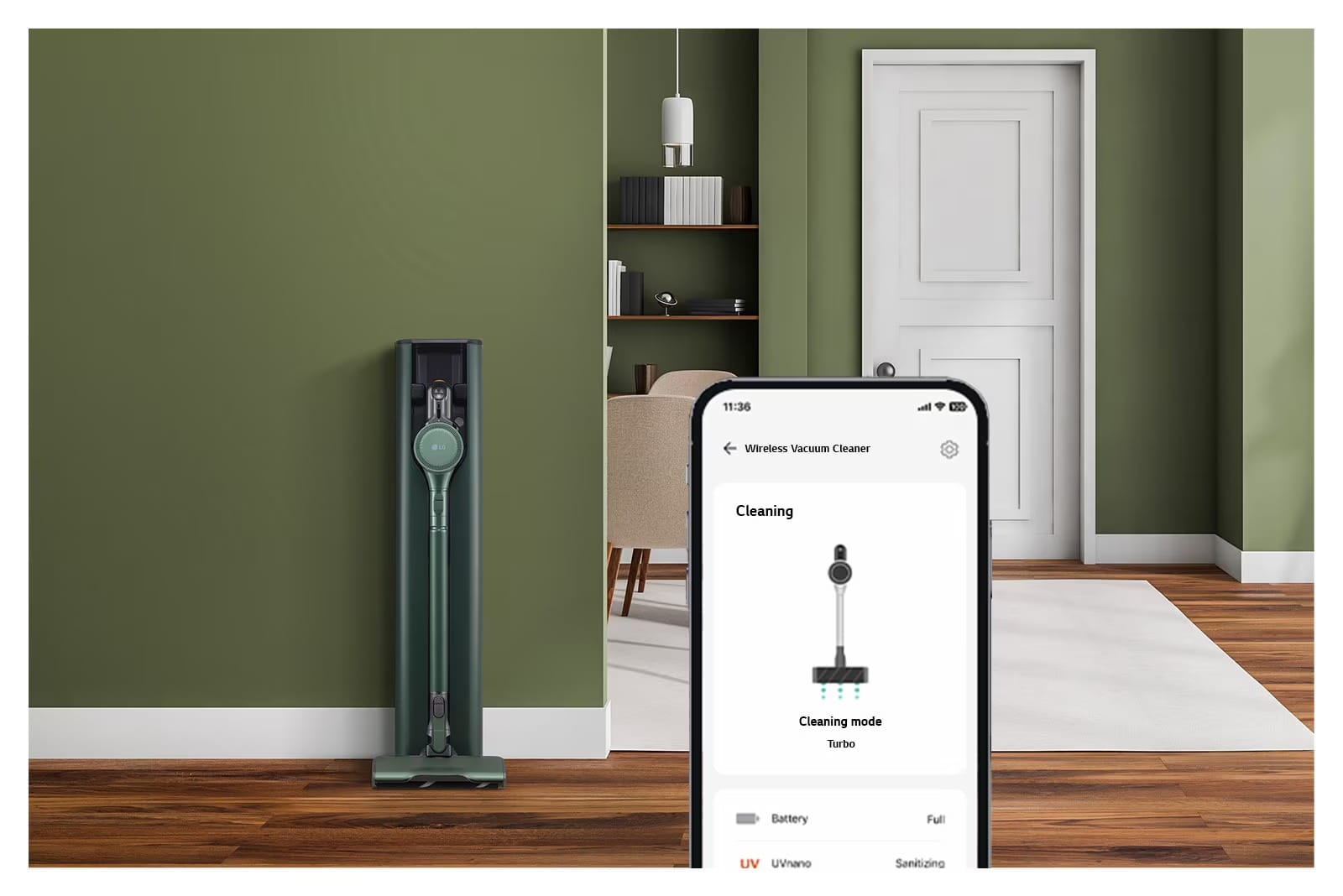
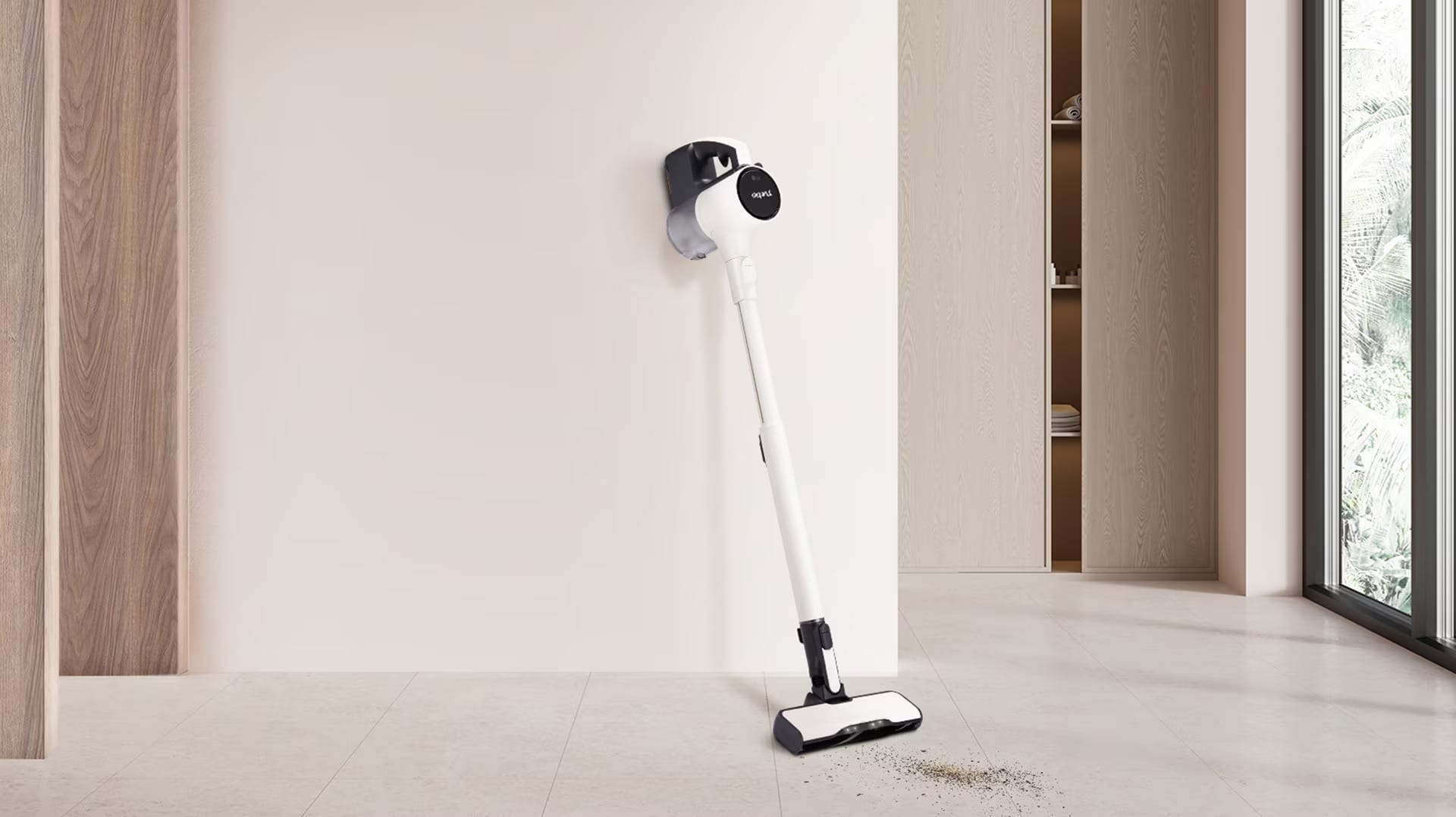
Stronger 280W suction power effectively cleans your home. At just 2.47kg, this lightweight vacuum is easy to use all around your home.
The Wide Slim Nozzle 3) is 20% wider and 15% slimmer, allowing for precise cleaning in hard-to-reach areas and corners. Bright LED lighting illuminates the area in front of the nozzle, helping you to see fine dust and difficult-to-spot hairs.
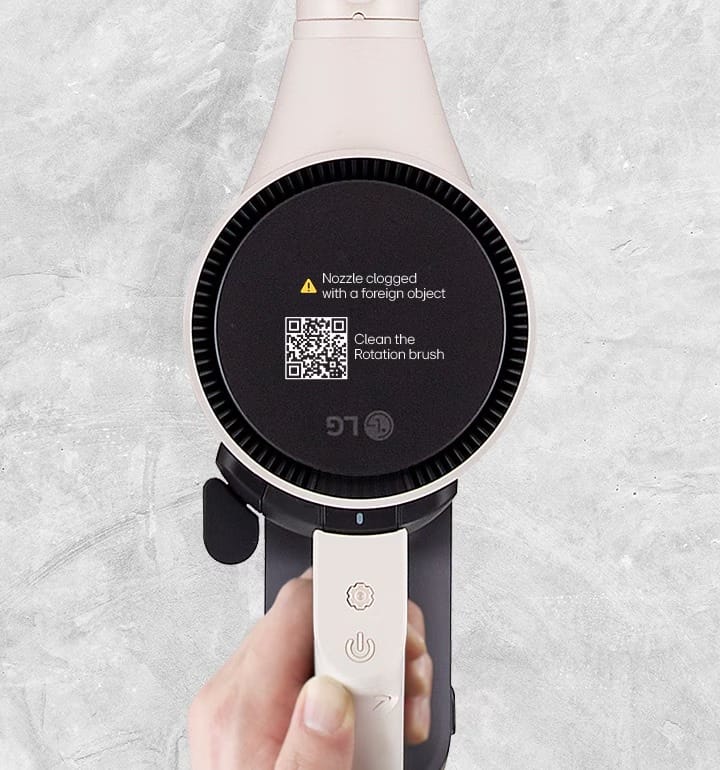
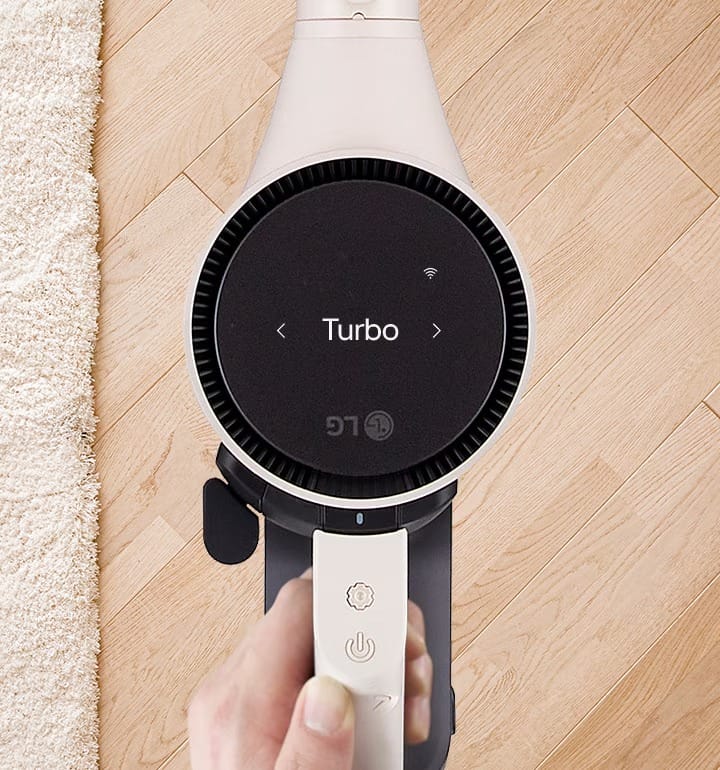
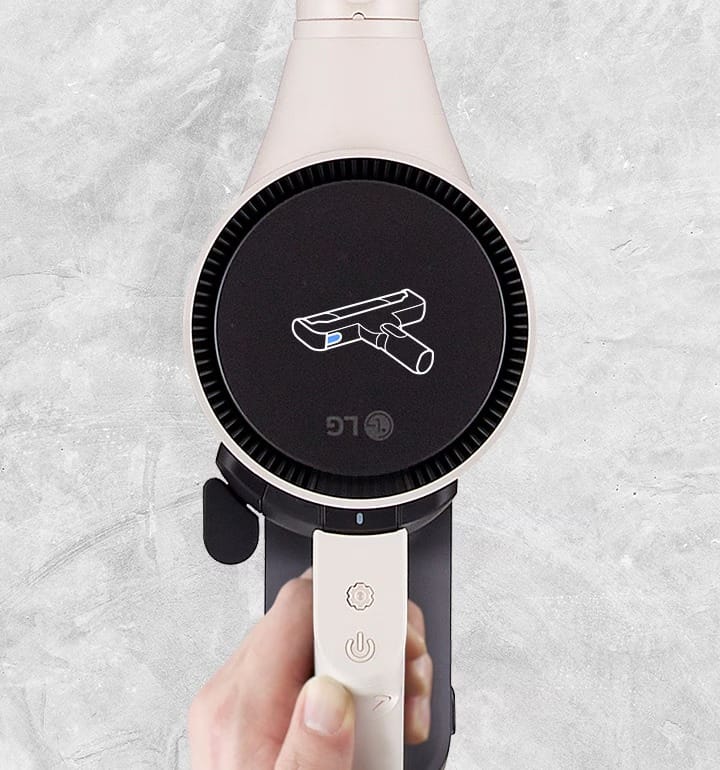
Effortlessly monitor, customize settings, and troubleshoot with an intuitive screen that adjusts to the vacuum’s orientation and touch buttons built into the vacuum’s handle.
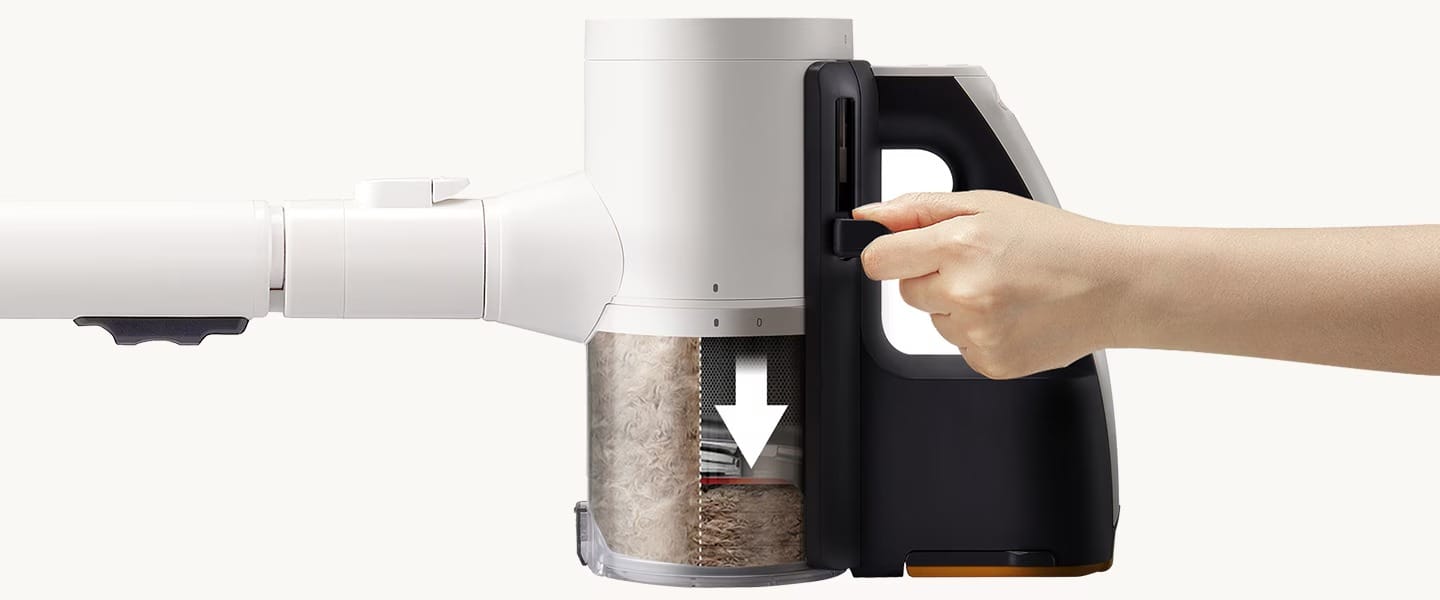
Empty less often with KOMPRESSOR™ technology
Dual Battery Pack gives up to 120 minutes of use
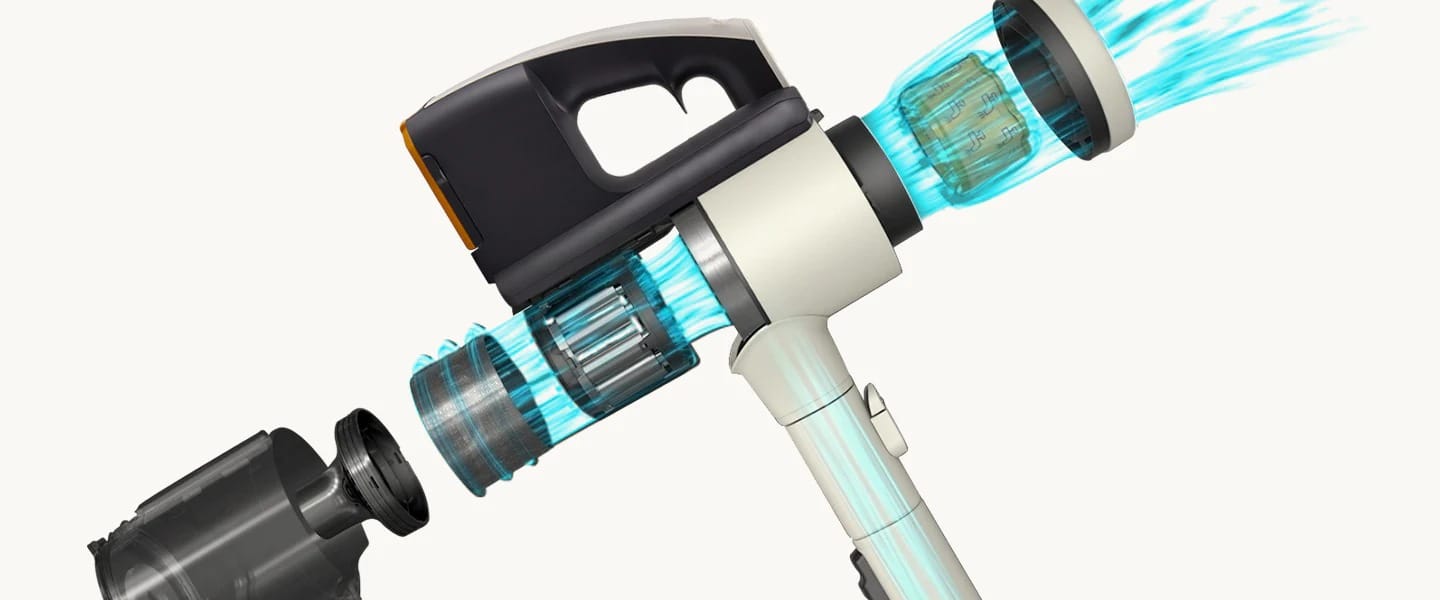
Trap fine dust with the 5-Step Filtration System
Washable cyclone and filters ensure cleanliness
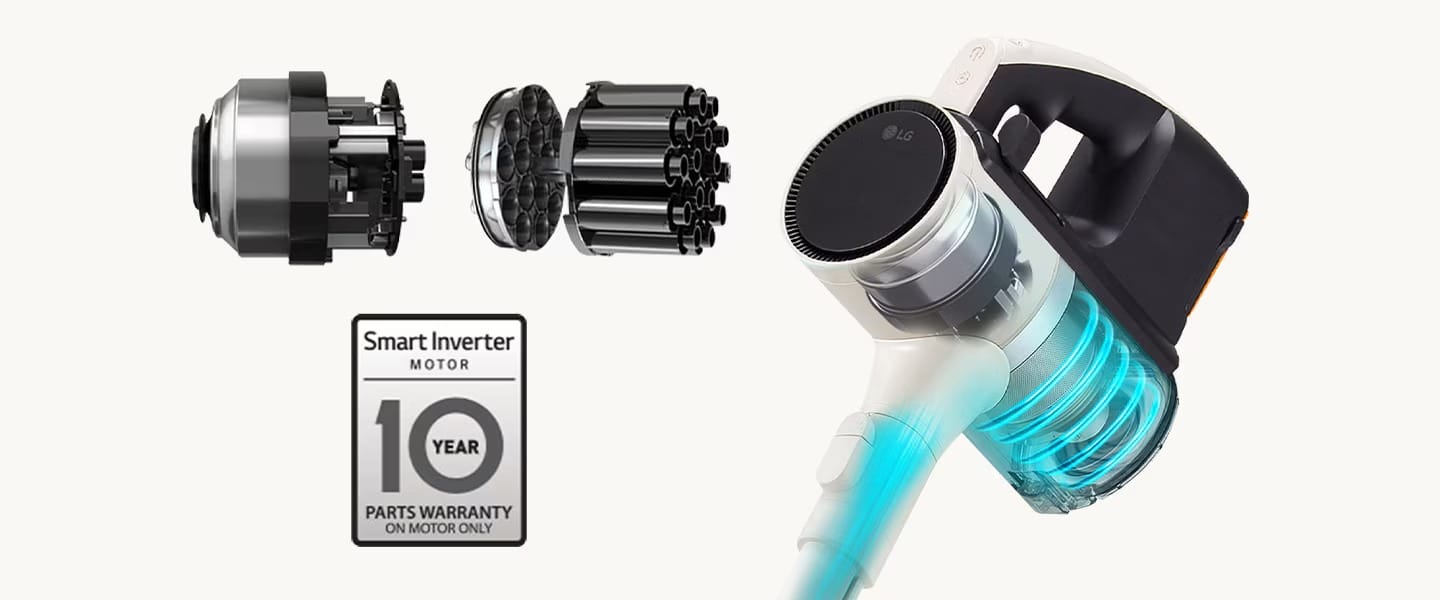
With durable, long-lasting Smart Inverter Motor™
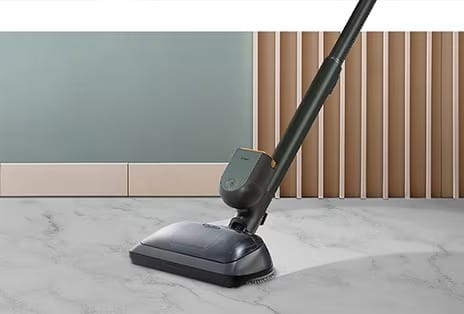
Remove stubborn stains with Steam Power Mop by supplying steam and can vacuum and steam mop at the same time.
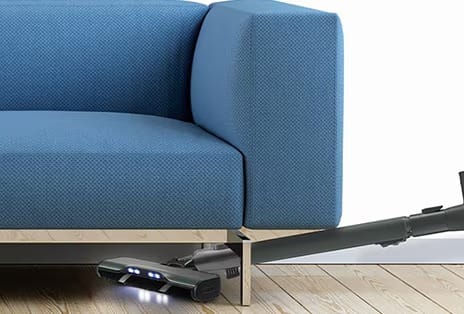
The wide slim nozzle with LED light is designed to make cleaning easy with its wide width and slim height.
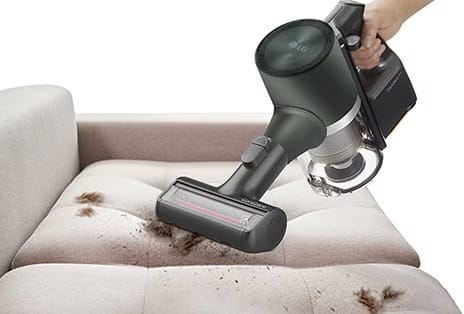
4,000 vibration* with suction occurs at the same time to clean mattresses, beddings, sofas and even car seats.
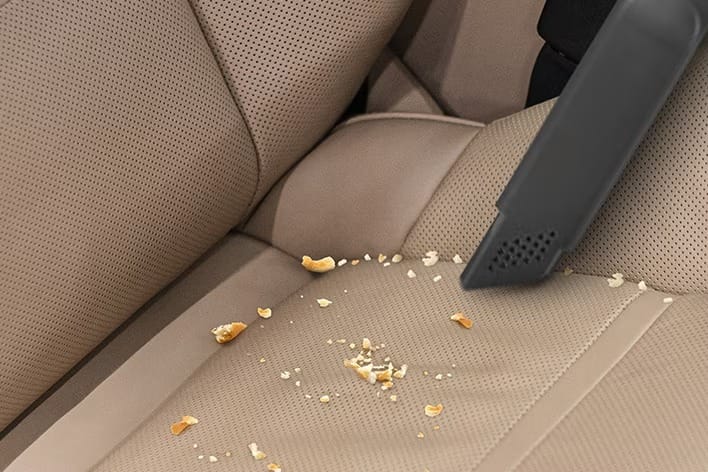
Great for use in corners, narrow spaces, and along edges.
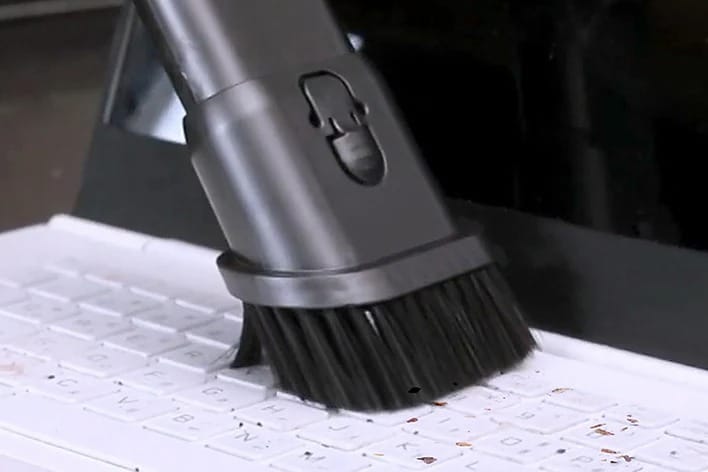
Works as a brush or hard nozzle and is effective even against hard-to-move dust and dirt.
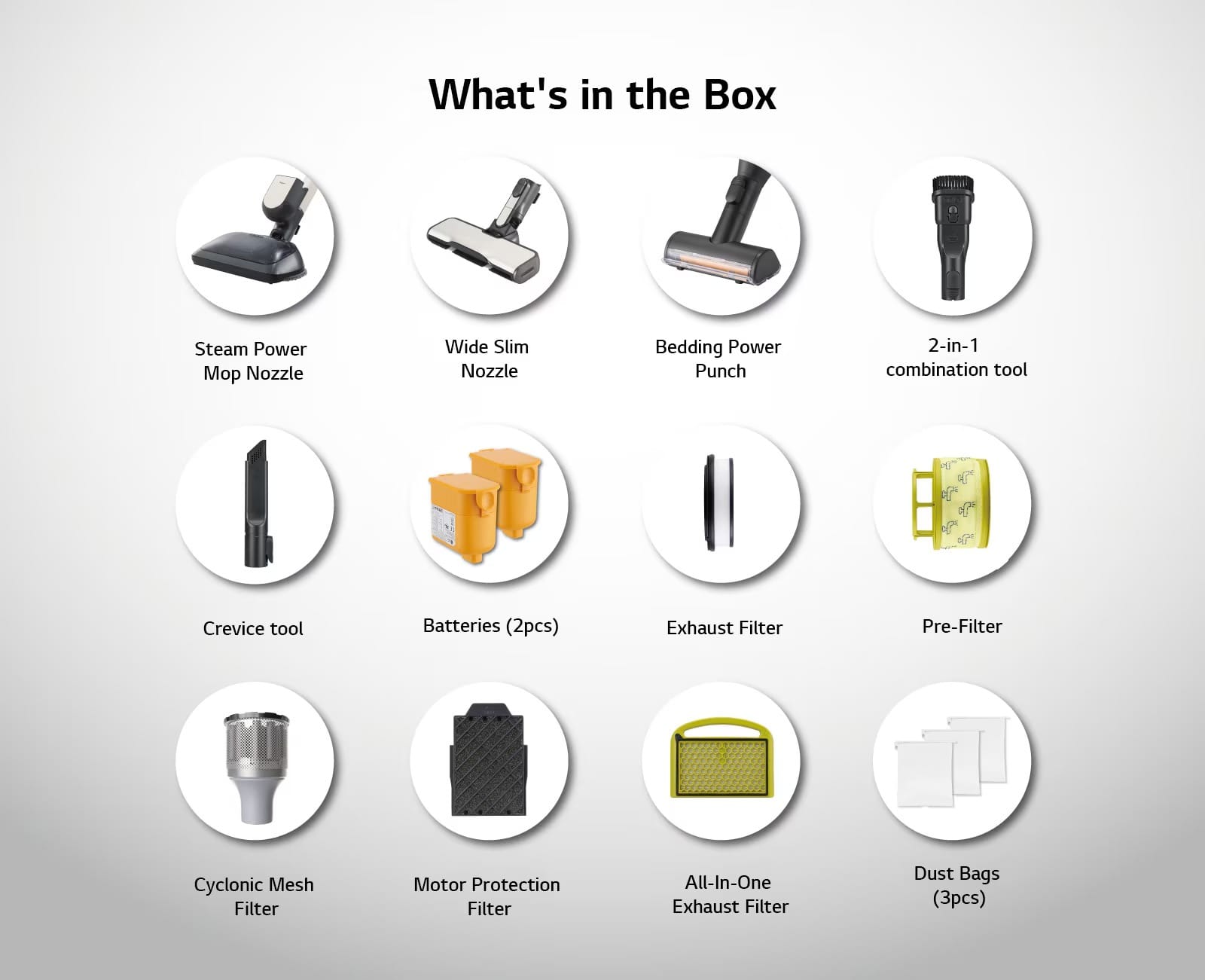

FEATURES (CLEANER)
Type
Cordless Stick + Handheld (2in1)
Smart Inverter Motor
Yes
Dual PowerPack
Yes
Convert to Handheld
Yes
Battery Status Indicator
Yes
Kompressor Technology
Yes
PERFORMANCE (CLEANER)
Max Suction Power (W)
280
Power Mode
Low / Normal / Power / Turbo
Dust Bin Capacity (L)
0.5
BASIC ACCESSORIES
Combination Tool
Yes
Crevice Tool
Yes
OTHER TOOLS AND ACCESSORIES
Water Tank Filler (Measuring Cup) for Mop Nozzle
Yes
Mop Pads (Qty)
4
PERFORMANCE (TOWER)
Power Consumption (W) (Cleaning)
1700
Power Consumption (A) (Cleaning)
7.0
Power Consumption (A) (Charging)
1.15
Empty Cycle Time (s)
30
BATTERY
Max Run Time (min/battery) (Power Mode + Nozzle)
13
Max Run Time (min/battery) (Power Mode)
10
Batteries Included (Qty)
2
Battery Type
Lithium-ion
Charging Time per battery (minutes)
240
Max Run Time per battery (minutes) (Normal Mode without Nozzles)
30
Max Run Time per battery (minutes) (Normal Mode with Power Drive Nozzle)
20
Max Run Time per battery (minutes) (Turbo Mode without Nozzles)
6
Max Run Time per battery (minutes) (Turbo Mode with Power Drive Nozzle)
8
DIMENSIONS
Product (W x H x D)
265 X 1100 X 305
Weight (kg)
2.9
Product Manual

Please check the following:① Make sure the power plug is connected.② Check that the vacuum cleaner is properly installed. It will beep if set up correctly.③ If the dust stops emptying, pressing the “Start/Stop” button will restart the process.④ The dust-emptying mode is either automatic or manual:– The default setting for wireless vacuum cleaners is Manual mode.– For Manual mode, press the Stick Empty buttons while the wireless vacuum cleaner is docked to begin the dust emptying process.– To switch between the Manual and Auto dust-emptying modes, press the Select Mode button for at least three seconds.
A motor is not working properly. Please unplug the power cord and contact an LG Electronics service center.
Please check whether:① The power plug is fully inserted into the outlet.② Any multi-outlet strip is switched on.③ The breaker hasn’t tripped and power is available.
Here are some tips:① Check if the vacuum is properly installed – it will beep when placed correctly. Reinstall the vacuum if there is no beep.② Make sure the auxiliary battery is fully pushed in until its icon flashes.③ Check that the plug is fully inside the outlet.④ Unplug the unit and wipe off any debris from the charging terminal with a dry cloth.⑤ Your unit may not charge if the temperature is below 41°F (5°C). Try charging again after it’s above 41°F.
Here are some tips:① New vacuums may have a “new” smell that goes away after 3 months.② Check for damp dust stuck on the mop nozzle, since it can create odors. Remember to remove any wet dust after each use before storing your vacuum. The pre-filter, exhaust filter, or large dust separator may also start smelling if not dried completely. After a wash with water, dry the parts thoroughly in well-ventilated shade for at least 24 hours before using them again.③ If you can smell the dust bag, strong odors like pet waste may have transferred to the dust bag. Replace the bag after vacuuming up strong-smelling items even if it is not full. Similarly, old dust bags that haven’t been replaced in a long time may also start to smell. Replace the dust bag regularly even if it’s not full.
A motor is not working properly. This could be caused by:– The motor that presses the dust bin cover separation button– The motor that opens and closes the dust bin cover– The motor that changes air flow between the STICK Emptying and the ROBOT Emptying modesPlease unplug the power cord and contact an LG Electronics service center.
The dust bag is full and needs replacing.


